
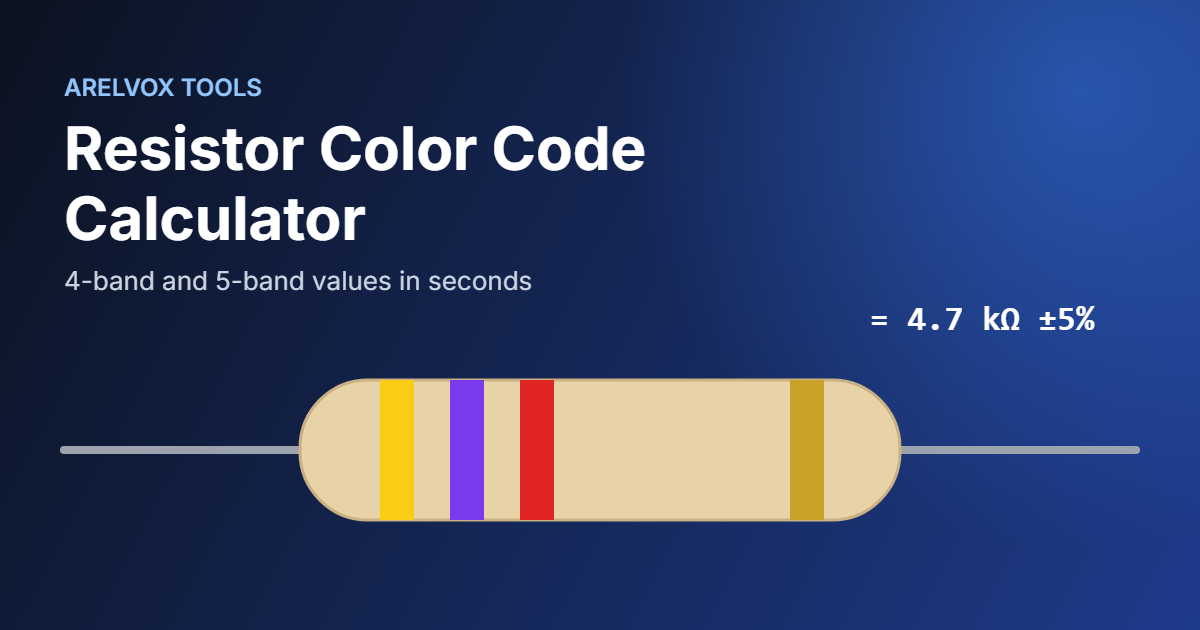
Use this free resistor color code calculator to read 4-band and 5-band resistors in seconds. Pick the colors to get the resistance and tolerance, or type a value like 4.7k to see which color bands to look for.
Resistor Color Code Calculator
Resistance
1 kΩ
Value to colors
How to Use the Resistor Color Code Calculator
- Choose 4 bands or 5 bands, depending on your resistor.
- Select the color of each band from left to right. The drawing updates so you can compare it with the real part.
- Read the resistance, the tolerance and the minimum and maximum real value.
Working the other way around? Type a value such as 220, 4.7k or 1M in the Value to colors box, and the resistor color code calculator shows the bands you need to look for. You can also use the common R notation, such as 4R7 for 4.7 ohms.
How the Resistor Color Code Works
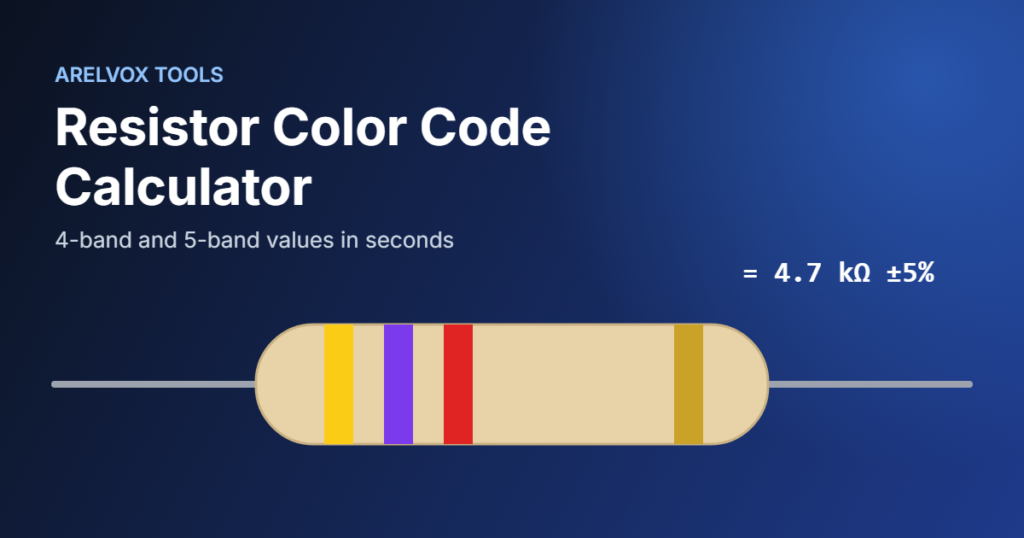
Resistors are too small to print numbers on. Therefore, manufacturers use colored bands instead. For example, on a 4-band resistor the first two bands are digits, the third band is the multiplier and the last band is the tolerance. So yellow (4), violet (7) and red (×100) give 47 × 100 = 4,700 ohms, or 4.7 kΩ.
The tolerance band tells you how far the real value can be from the printed one. For instance, a gold band means ±5%, so a 4.7 kΩ resistor can measure anywhere between 4.465 kΩ and 4.935 kΩ. The resistor color code calculator shows that range automatically.
Resistor Color Code Chart
This chart, which the resistor color code calculator uses too, follows the international standard electronic color code used by almost every manufacturer.
| Color | Digit | Multiplier | Tolerance |
|---|---|---|---|
| Black | 0 | ×1 | — |
| Brown | 1 | ×10 | ±1% |
| Red | 2 | ×100 | ±2% |
| Orange | 3 | ×1k | — |
| Yellow | 4 | ×10k | — |
| Green | 5 | ×100k | ±0.5% |
| Blue | 6 | ×1M | ±0.25% |
| Violet | 7 | ×10M | ±0.1% |
| Grey | 8 | ×100M | ±0.05% |
| White | 9 | ×1G | — |
| Gold | — | ×0.1 | ±5% |
| Silver | — | ×0.01 | ±10% |
4-Band vs 5-Band Resistors
In general, most hobby resistors have four bands and a tolerance of ±5%. However, precision resistors often use five bands: three digits, a multiplier and a tolerance band, usually brown for ±1%. The extra digit allows values like 68.1 kΩ that a 4-band code cannot show. Simply switch the resistor color code calculator to 5 bands to read them.
Common Resistor Examples
- Red, red, brown, gold: 220 Ω ±5%, a classic current-limiting resistor for LEDs.
- Brown, black, orange, gold: 10 kΩ ±5%, common as a pull-up or pull-down resistor.
- Yellow, violet, red, gold: 4.7 kΩ ±5%, often used on I2C lines.
- Brown, black, black, red, brown: 10 kΩ ±1% on a 5-band resistor.
If you are building your first circuit, our guide to getting started with Arduino shows where these resistors fit in a real project.
Tips for Reading Resistors Correctly
- First, start from the end where the bands are closest together. The tolerance band is usually set slightly apart from the others.
- Also, gold and silver are almost always the last band, so if you see one, read from the other side.
- Use good light, because red, orange and brown can look very similar on small resistors.
- Finally, when in doubt, check the resistor color code calculator result with a multimeter before soldering.
Resistor Color Code Calculator FAQ
Which side of the resistor do I read first?
In short, read from the side opposite the tolerance band. On most resistors, the tolerance band is gold or silver and sits a little further away from the other bands.
What does a gold band mean on a resistor?
As the last band, gold means a tolerance of ±5%. In contrast, as the multiplier band gold means ×0.1, which is used for values below 10 ohms.
Is this resistor color code calculator free?
Yes. It is completely free, needs no sign-up and runs in your browser. You can find more free tools, like our subnet calculator and chmod calculator, on the Projects page.