
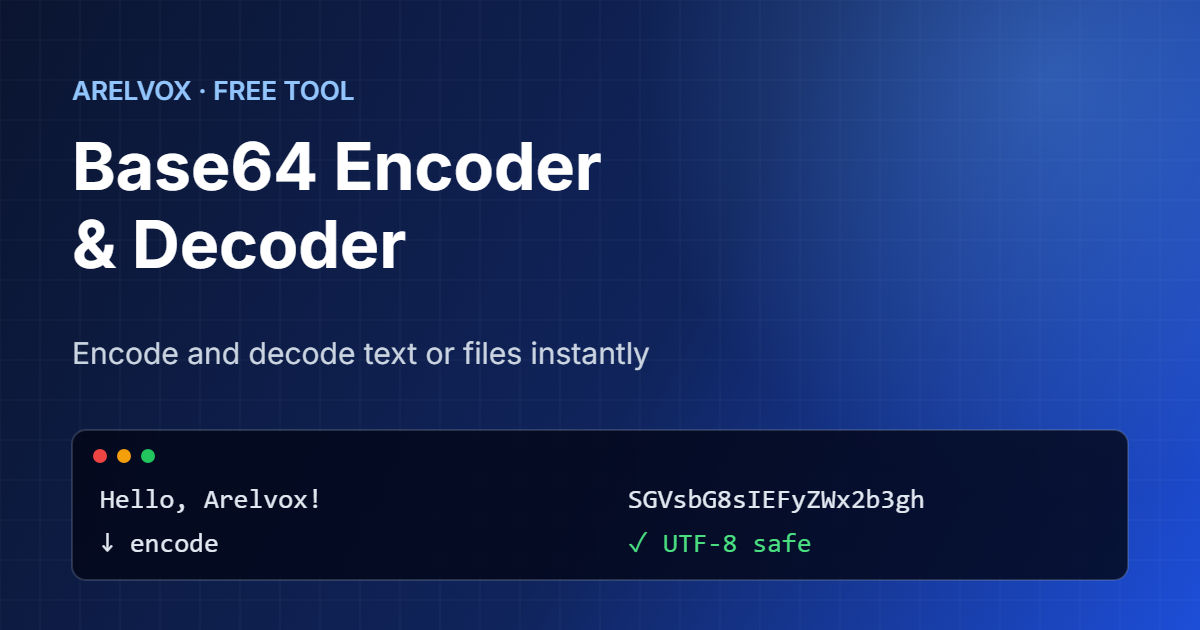
Use this free Base64 encoder and decoder to convert text to Base64 and back in real time. It handles accents and emoji correctly, supports URL-safe Base64, and can turn small files into data URIs. Everything runs in your browser, so the tool never uploads your data.
Base64 Encoder / Decoder
How to Use the Base64 Encoder and Decoder
- First, choose Encode to turn text into Base64, or Decode to turn Base64 back into text.
- Then, type or paste your input. The result updates as you type.
- Next, tick URL-safe if the result goes into a URL or a JSON Web Token, and untick Padding if your system does not use = signs.
- After that, to encode an image or another file, use Or encode a file to get a ready-to-use data URI.
- Finally, press Copy, or use Swap to check the result by converting it back.
What Is Base64?
Base64 is a way to write any data, including binary files, using only 64 safe characters: A–Z, a–z, 0–9, + and /. It exists because many systems, such as email and older protocols, only expect plain text and can break binary data. With a Base64 encoder and decoder, you can send an image inside an email or embed a small icon directly in HTML or CSS.
Base64 is not encryption. Anyone can decode it, so never rely on it to hide passwords or secrets. If you need a strong password, use our password generator instead.
How Base64 Encoding Works
The encoder takes the data three bytes at a time, which is 24 bits. It then splits those 24 bits into four groups of 6 bits, and each group becomes one of the 64 characters. As a result, the output of any Base64 encoder and decoder is always about 33% larger than the input. When the input length is not a multiple of three, the encoder adds = signs as padding at the end.
Text:    Hi!
Bytes:   72 105 33
Base64:  SGkh
URL-Safe Mode in the Base64 Encoder and Decoder
Standard Base64 uses + and /, but both have a special meaning in URLs. URL-safe Base64 replaces them with – and _ and often drops the = padding. You will see it in JSON Web Tokens, in some API keys and in links. This Base64 encoder and decoder accepts both forms when decoding, so you do not need to convert them by hand.
Common Uses for a Base64 Encoder and Decoder
- Embedding small images or fonts in HTML and CSS as data URIs.
- Sending attachments in email (MIME).
- Storing binary data in JSON or XML.
- Reading the header and payload of a JSON Web Token.
- Basic authentication headers in HTTP requests.
On Linux you can also use the base64 command in the terminal. Our Linux command generator helps you with other everyday commands.
In addition, an official internet standard defines Base64. For the full details, including the URL-safe alphabet, see RFC 4648. Even so, you never need to read it to use the Base64 encoder and decoder, because the tool follows the standard for you.
Frequently Asked Questions
Is Base64 encryption?
No. In fact, Base64 is an encoding, not encryption. It only changes how you write the data, and anyone can decode it without a key.
Why does decoding show an error?
The input may contain characters that are not part of Base64, or some characters may be missing. Also, if the data is an image or another binary file, the tool cannot show it as text.
Does this tool support UTF-8?
Yes. To do this, the tool converts text to UTF-8 bytes before encoding, so accented letters, other alphabets and emoji are encoded and decoded correctly.
Is my data uploaded?
No. Instead, the Base64 encoder and decoder runs entirely in your browser. Your text and files never leave your device.
Is this tool free?
Yes. In fact, it is completely free and needs no sign-up.
More free tools: password generator, cron expression generator and the full list on our Projects page.