
grep svc-telemetry ~/.ssh/authorized_keys, update to 2.1.314+, and rotate your credentials if you find anything. VS Code and CLI users are not affected.Last updated: October 31, 2026
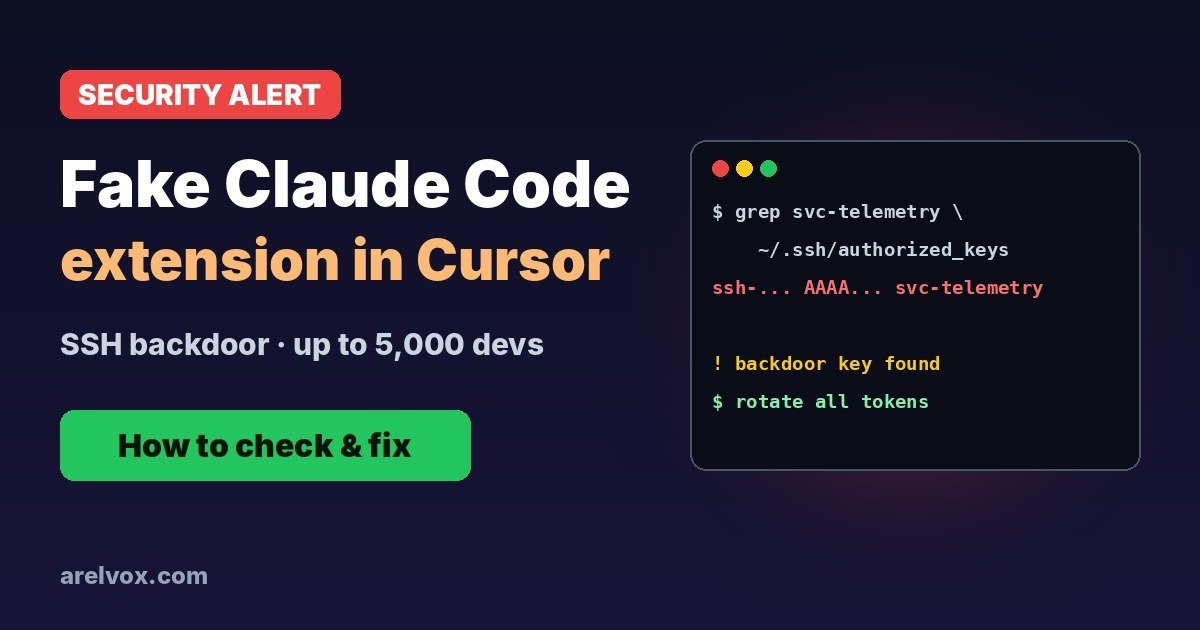
If you use Cursor and installed or updated the Claude Code extension on Thursday, stop and check your machine. For about eleven hours, Cursor’s marketplace served a trojanized build of the extension that planted an SSH backdoor on Windows and macOS. Anthropic says it had nothing to do with those builds. Here is what happened, how to tell in one minute if you were hit, and how to clean up.
What Happened
On October 29, 2026, from about 09:27 to 20:35 UTC, someone used access to Cursor’s extension marketplace to publish malicious versions of anthropic.claude-code. Cursor says the extension reached up to 5,000 users before it was pulled. Cursor then took its whole marketplace offline, cleaned it with its providers and brought it back, saying no other extensions were affected.
Anthropic’s Felix Rieseberg confirmed on X that the tampered extension was not built or published by Anthropic. The next official release was numbered 2.1.314 to avoid any confusion with the bad builds.
| Version | Source | Status |
|---|---|---|
| 2.1.312 | Cursor marketplace (Oct 29) | Malicious (now replaced with a clean build) |
| 2.1.313 | Cursor marketplace (Oct 29) | Malicious |
| 2.1.312 | Open VSX | Clean |
| 2.1.314 or later | All sources | Clean, safe to use |
What the Malware Did
The malicious code was hidden in the extension’s main extension.js file and ran as soon as Cursor loaded the extension. You did not need to start a conversation with Claude. According to analyses by StepSecurity and OX Security, it:
- Added an attacker SSH public key with the comment
svc-telemetryto yourauthorized_keysfile. - Enabled SSH on the machine: Remote Login on macOS, OpenSSH Server on Windows.
- Opened a reverse SSH tunnel to a server at
134.209.82.225, so the attacker could reach your computer even behind a router. - Sent basic host information (hostname, user, OS, public IP) and the names of environment variables containing words like KEY, TOKEN, SECRET, PASS, AWS or GCP.
- Installed persistence that survives removing the extension: a LaunchAgent on macOS, a SYSTEM scheduled task on Windows and a cron
@rebootentry on Linux.
Cursor says the remote access part probably failed on most machines because it needs admin rights. That is good news, but do not assume you were lucky: check.
How to Check if You Were Affected
macOS and Linux: open a terminal and run:
grep svc-telemetry ~/.ssh/authorized_keys
ls -la ~/.config/.smt ~/.config/.smtk ~/.config/smt.cmd 2>/dev/null
ls ~/Library/LaunchAgents/ | grep sysmond
crontab -l | grep reboot
Windows (PowerShell):
Select-String svc-telemetry $env:USERPROFILE\.ssh\authorized_keys
schtasks /query /tn SysMon
Get-ChildItem "$env:APPDATA\Microsoft\Windows\Start Menu\Programs\Startup" | Where-Object Name -eq "sysmon.cmd"
If all of these come back empty, the malware most likely never ran on your machine. Still update the extension. If any of them returns a result, follow the steps below.
How to Clean Up
- Disconnect from the network if you can, and save copies of the suspicious files if your company wants to investigate.
- Remove the backdoor key: delete the line ending in
svc-telemetryfromauthorized_keys. - Remove the persistence: the LaunchAgent
com.apple.sysmond(macOS), theSysMontask andsysmon.cmdStartup script (Windows), any cron@rebootline you did not add (Linux), and the files.smt,.smtk,smt.cmdand.stk_*. Cursor has published remediation scripts for macOS and Windows. - Turn SSH off again if you did not use it before (macOS: System Settings, General, Sharing, Remote Login).
- Uninstall the extension and install 2.1.314 or later.
- Rotate every credential the machine could reach, from a different, clean device: GitHub or GitLab tokens, SSH keys, cloud keys (AWS, GCP, Azure), npm or PyPI tokens, CI/CD secrets and API keys in your
.envfiles. - Check your logs and accounts for logins you do not recognise. If the tunnel connected, the safest option is to reinstall the system.
Why This Matters for Every Developer
This is a classic supply chain attack: instead of hacking thousands of developers one by one, the attacker poisoned one trusted package that updates itself. AI coding extensions are a juicy target because they run with your user permissions and sit on machines full of tokens and source code.
- Turn off automatic extension updates for tools with deep access, or delay updates by a day.
- Keep secrets out of plain environment variables and
.envfiles when you can; use a secret manager. - Use short-lived tokens with the smallest scope possible, so a leak does less damage.
- Watch your
~/.ssh/authorized_keys: on most laptops it should be empty.
Frequently Asked Questions
Which Claude Code extension versions were malicious?
Versions 2.1.312 and 2.1.313 of the anthropic.claude-code extension as served by the Cursor marketplace on October 29, 2026, between about 09:27 and 20:35 UTC. The 2.1.312 build on Open VSX is clean, and 2.1.313 was never published on Open VSX or the Microsoft marketplace. Version 2.1.314 or later is safe.
Are VS Code users affected?
The tampered builds were only distributed through Cursor’s extension marketplace. If you installed Claude Code in VS Code from the Microsoft marketplace, or use the Claude Code CLI, you are not affected by this incident.
Was Anthropic hacked?
According to Anthropic and Cursor, no. Anthropic says it did not build or publish the tampered versions. Someone with access to Cursor’s marketplace published them under the Claude Code extension name. Cursor pulled the extension, took its marketplace offline temporarily and says no other extensions were affected.
How do I know if my machine was compromised?
Run grep svc-telemetry ~/.ssh/authorized_keys on macOS or Linux, or open %USERPROFILE%\.ssh\authorized_keys on Windows. If you see a key with the comment svc-telemetry, the malware ran. Also look for the files ~/.config/.smt, ~/.config/.smtk, the LaunchAgent com.apple.sysmond or a scheduled task called SysMon.
Is updating the extension enough?
No. The persistence survives uninstalling the extension. If you find any of the indicators, remove the backdoor key and persistence, then rotate every credential that machine could reach: GitHub, cloud keys, SSH keys, npm and CI tokens. Do it from a clean device.
Sources
- StepSecurity: Trojanized Claude Code extension delivered persistent SSH backdoor
- OX Security: Compromised Claude Code extension (2.1.313) in Cursor marketplace
- BleepingComputer: Malicious Claude Code extension on Cursor planted SSH backdoors
- The Decoder: Malicious Claude Code extension in Cursor’s marketplace
- Felix Rieseberg (Anthropic) on X