
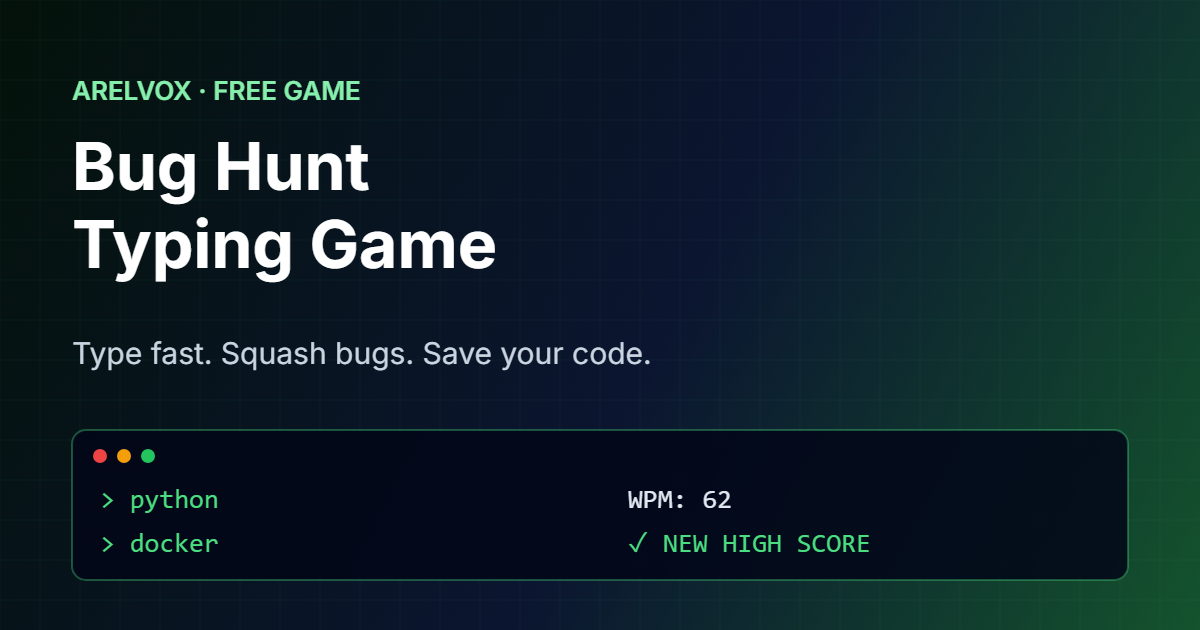
Bug Hunt is a free typing game for anyone who loves code. Bugs carrying programming words crawl down the screen, and you squash each one by typing its word before it reaches your code. It starts easy and gets faster every level, so it is a fun way to practice your typing speed.
BUG HUNT
Bugs are crawling into your code.
Type the word on each bug to squash it before it reaches the bottom. Gold bugs are worth triple. Blue coffee cups restore your code health. Freeze and boom words are power-ups. Every 5 levels a BOSS bug appears. No typos = bigger combo. Press Esc to pause.
Tip: while the game runs you can type anywhere on the page. On a phone, tap the box above to open the keyboard.
How to Play This Typing Game
- First, press Start and begin typing. You can type anywhere on the page, or tap the box under the game on a phone.
- Then, type the first letter of a word to lock onto that bug, then finish the word to squash it.
- Next, catch gold bugs for triple points and type coffee words to restore your code health.
- Also, type without mistakes to build a combo. Every 5 bugs in a row raise your multiplier, up to x5, and a single typo resets it.
- Type freeze words for slow motion and boom words to squash every bug on the screen at once.
- Every 5 levels a giant boss bug crawls in with a long error message. Type the whole phrase, spaces included, to defeat it and restore your health.
- After that, every bug that reaches the bottom costs one health point. After five, the game is over.
- Finally, share your score and try to beat your best. Press Esc at any time to pause.
Improve Your Typing Speed While You Play
Typing games are one of the easiest ways to type faster, because you practice without noticing. In fact, Bug Hunt measures your words per minute (WPM) and your accuracy, so you can see your progress after every round. Most people type around 40 WPM, while experienced developers often reach 70 or more.
Because the words come from real programming and Linux vocabulary, such as grep, docker, function and kubernetes, this typing game is especially useful if you are learning to code.
Tips for a Higher Score
- Target the lowest bug first. It is the closest to your code.
- Look ahead. Read the next word while you finish the current one.
- Accuracy beats speed. A wrong letter does not break your word, but it slows you down.
- Use all your fingers. Touch typing pays off quickly at higher levels.
- Save coffee for emergencies. Coffee cups only appear when you have lost health.
Words From the Real World of Tech
The vocabulary grows with every level. At first you see short commands such as ls, cd and git. Then come words like python, socket and branch, and finally long terms such as microcontroller and javascript. If a word is new to you, our guides explain many of them, for example the essential Linux commands and Git basics.
If you want to know how typing speed is measured, the Wikipedia article on words per minute explains the standard of five characters per word, which is the same one this typing game uses.
Frequently Asked Questions
Is Bug Hunt free?
Yes. This typing game is completely free and runs in your browser, with no download or sign-up.
Can I play on a phone?
Yes. Tap the box below the game to open your keyboard and type the words there.
How is WPM calculated?
WPM counts every correct letter you type, divides it by five to get words, and then divides by the minutes you have played.
Does it save my high score?
Yes. Your best score is saved in your browser, so it is still there when you come back.
Is it good for learning to type?
Yes. Short words at the start help beginners, and the speed increases gradually, so it keeps challenging you as you improve.
More games: play our new stacking game Sky Stack, or try the daily puzzle Crack the Code or the idle game Root Access. You can find everything on our free tools page. Or browse all our free browser games.