
Use this free LED resistor calculator to find the right current-limiting resistor for any LED. Enter your supply voltage, the LED color and the current you want, and you get the nearest standard resistor, its power rating and its color bands.
LED Resistor Calculator
Arduino pin: 5 V · Raspberry Pi GPIO: 3.3 V
Check the datasheet for the exact value.
Most 5 mm LEDs: 10–20 mA
Recommended resistor
–
How to Use the LED Resistor Calculator
- First, enter the supply voltage, for example 5 V for an Arduino pin or 3.3 V for a Raspberry Pi GPIO pin.
- Then, choose the LED color. The typical forward voltage is filled in for you, but you can type the exact value from the datasheet.
- Next, enter the current. For standard 5 mm LEDs, 10 to 20 mA is a safe range.
- After that, if you connect several LEDs in a row, choose how many are in series.
- Finally, read the recommended resistor, its minimum power rating and the color bands to look for.
Why an LED Needs a Resistor
An LED is not like a light bulb. Once the voltage reaches its forward voltage, the current rises very quickly, and without a limit the LED burns out in seconds. Therefore, every LED needs something that limits the current, and in simple circuits that is a resistor in series. An LED resistor calculator saves you from doing the math every time.
The resistor also protects the pin that drives the LED. For example, a Raspberry Pi GPIO pin should not supply much more than 16 mA.
The LED Resistor Formula
The resistor has to drop the voltage the LED does not use. As a result, the formula is:
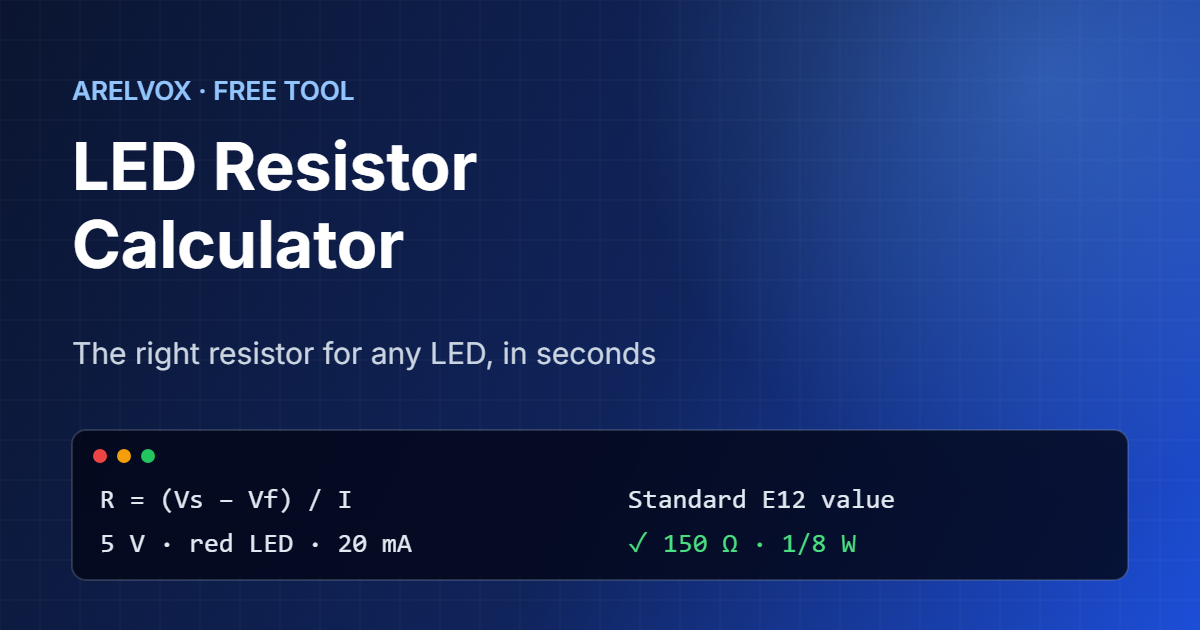
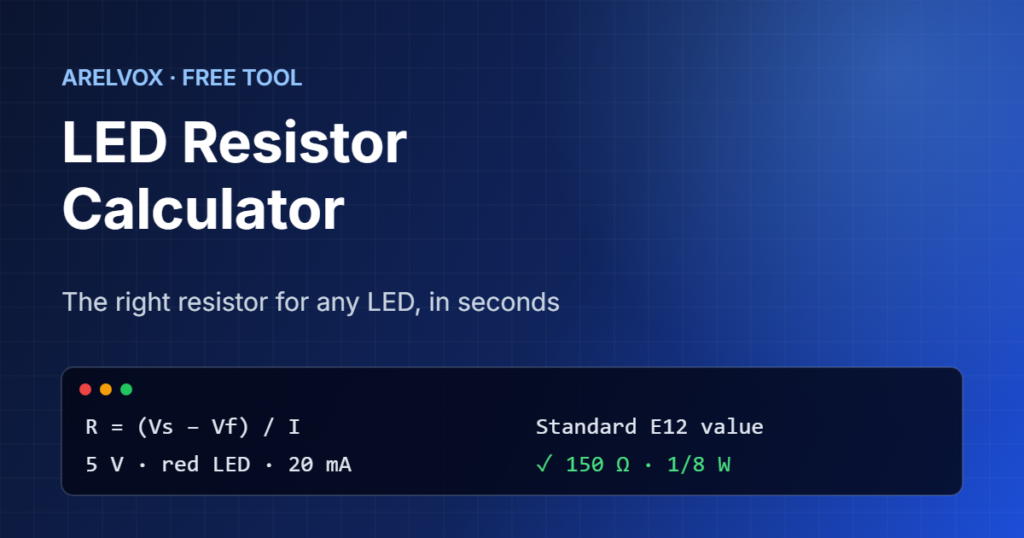
R = (Vsupply − Vforward × number of LEDs) / IFor a red LED (2.0 V) on 5 V at 20 mA: R = (5 − 2.0) / 0.020 = 150 Ω. Since 150 Ω is a standard value, you can use it directly. Otherwise, the calculator picks the next standard value above the exact result, so the current is never higher than you asked for.
This is simply Ohm’s law applied to the resistor. If you want to explore it further, try our Ohm’s law calculator.
Typical LED Forward Voltages
- Infrared: about 1.2 V
- Red: about 1.8 to 2.1 V
- Orange and yellow: about 2.0 to 2.2 V
- Green: about 2.0 V for old types and 3.0 to 3.2 V for bright modern ones
- Blue and white: about 3.0 to 3.4 V
However, these are typical values only. Always check the datasheet if you have it, especially for high-power LEDs.
Several LEDs in Series
You can light several LEDs with one resistor if you connect them in series, because the same current flows through all of them. The forward voltages simply add up. For example, three red LEDs need about 6 V, so on a 12 V supply the resistor has to drop the other 6 V. If the supply voltage is lower than the total forward voltage, the LEDs will not light, and the LED resistor calculator warns you.
On the other hand, avoid putting LEDs in parallel with a single shared resistor. Small differences between LEDs make one of them take most of the current.
Choosing the Power Rating
Keep in mind that the resistor turns the extra voltage into heat. For most indicator LEDs this is well under 1/8 W, so any common resistor works. With higher voltages or currents, however, the heat grows quickly. The calculator recommends a rating at least twice the real power, which keeps the resistor cool and reliable. Once you have the value, you can double-check the bands with our resistor color code calculator.
In addition, if you want to learn how LEDs work inside, SparkFun has an excellent beginner guide to LEDs. After that, come back to the LED resistor calculator whenever you start a new circuit, because every LED and supply combination needs its own value.
Frequently Asked Questions
What resistor do I need for an LED on 5V?
For a red LED at 20 mA on 5 V you need 150 Ω. For a blue or white LED (about 3.2 V) at 20 mA, the exact value is 90 Ω, so the nearest standard value above it is 100 Ω.
What resistor do I need for an LED on a Raspberry Pi?
On a 3.3 V GPIO pin, a red LED at about 10 mA needs roughly 130 Ω, so 150 Ω or 220 Ω is a safe choice. Keep the current low because GPIO pins can only supply a little current.
What happens if the resistor value is too high?
In that case, the LED simply glows more dimly. It is safe, so if in doubt choose a slightly higher value.
What happens if I use no resistor?
In that case, the current is limited only by the power supply and the pin, so the LED or the pin can be damaged within seconds.
Is this LED resistor calculator free?
Yes. In fact, it is completely free, needs no sign-up and runs in your browser.
More free tools: Ohm’s law calculator, resistor color code calculator and the full list on our Projects page. New to electronics? Start with our Arduino first project guide.