
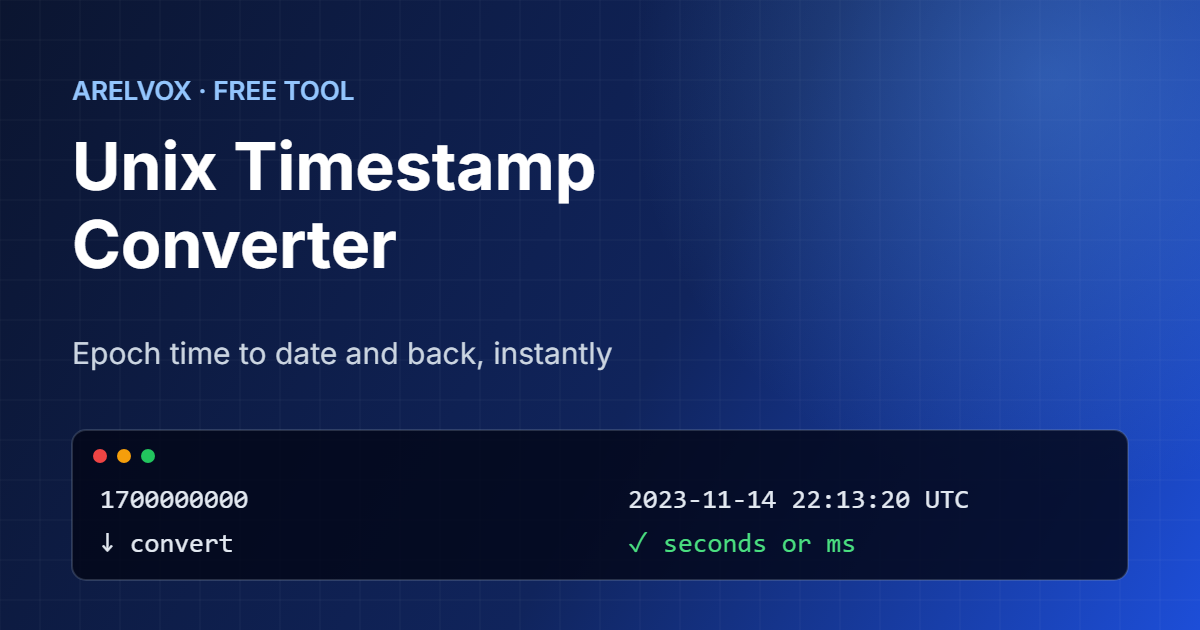
Use this free Unix timestamp converter to turn epoch time into a readable date, or a date into a timestamp. It detects seconds and milliseconds automatically, shows the result in your local time and in UTC, and displays the current Unix time live.
Current Unix timestamp
—Timestamp to date
Date to timestamp
How to Use the Unix Timestamp Converter
- First, paste a timestamp into Timestamp to date. The converter detects whether it is in seconds or milliseconds.
- Then, read the date in your local time, in UTC, in ISO 8601 format and as a relative time such as “3 years ago”.
- Next, to go the other way, pick a date and time in Date to timestamp and choose your local time or UTC.
- Finally, copy the current timestamp from the top card whenever you need it.
What Is a Unix Timestamp?
A Unix timestamp, also called epoch time, is the number of seconds since 1 January 1970 at 00:00:00 UTC. For example, 1700000000 means 14 November 2023 at 22:13:20 UTC. Because it is just a number, computers can store, sort and compare it easily, and it means exactly the same moment everywhere in the world.
That is why you find Unix timestamps in databases, log files, APIs, cookies and JSON data. However, a number like 1767225600 means nothing to a person, so a Unix timestamp converter is the quickest way to read it.
Seconds vs Milliseconds
Most systems, such as Linux, PHP and Python, count in seconds, which gives a 10-digit number today. In contrast, JavaScript, Java and many APIs count in milliseconds, which gives a 13-digit number. If you read a millisecond value as seconds, you get a date thousands of years in the future, which is a very common bug.
This Unix timestamp converter treats any value with 12 or more digits as milliseconds, so you can paste either format without thinking about it.
How to Get the Current Timestamp in Code
# Linux / macOS terminal
date +%s

# Convert a timestamp to a date (GNU date)
date -d @1700000000

# Python
import time; print(int(time.time()))

// JavaScript (seconds)
Math.floor(Date.now() / 1000)

// PHP
echo time();
If you work in the terminal a lot, our Linux command generator builds other everyday commands for you, and the cron expression generator helps you schedule them.
The Year 2038 Problem
Old systems store Unix time as a signed 32-bit number, which can only count up to 2,147,483,647. That moment arrives on 19 January 2038 at 03:14:07 UTC. After that, those systems overflow and jump back to 1901. Fortunately, modern operating systems and languages use 64-bit timestamps, which will not run out for billions of years. Even so, embedded devices and old databases may still need updates before 2038.
In fact, Unix time has a few surprising details, such as how it handles leap seconds. If you want the full story, the Wikipedia article on Unix time explains it well. For everyday work, however, the Unix timestamp converter above is all you need.
Frequently Asked Questions
What is the current Unix timestamp?
The top of this page shows the current Unix timestamp, updated every second. You can switch between seconds and milliseconds and copy it with one click.
How do I convert a Unix timestamp to a date?
Paste it into the Timestamp to date box. The converter shows the date in your local time, in UTC and in ISO 8601 format.
Is a Unix timestamp in UTC?
Yes. A Unix timestamp always counts seconds since 1 January 1970 in UTC, so it is the same everywhere. Only the readable date changes with your time zone.
Why is my timestamp 13 digits long?
A 13-digit timestamp is in milliseconds, which JavaScript and many APIs use. Divide it by 1,000 to get seconds, or simply paste it here and the tool detects it.
Is this Unix timestamp converter free?
Yes. In fact, it is completely free, needs no sign-up and runs in your browser.
More free tools: cron expression generator, Base64 encoder and decoder and the full list on our Projects page.