
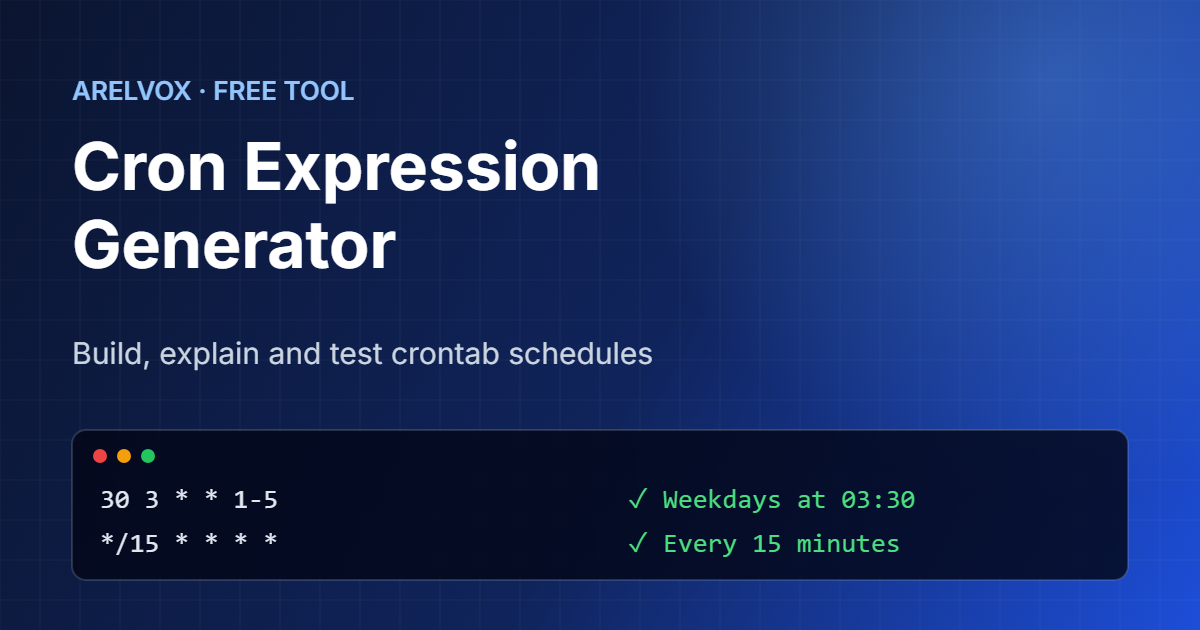
Use this free cron expression generator to build crontab schedules without memorizing the syntax. Pick when the job should run, copy the expression, and check the next five run times. You can also paste any existing expression to see what it means in plain English.
Cron Expression Generator
Your cron expression
Next 5 runs (your local time):
Add it to your crontab with crontab -e, followed by the command to run, for example:
Explain a cron expression
How to Use the Cron Expression Generator
- First, choose how often the job should run, for example every 15 minutes, every day or once a week.
- Then, set the time and, if needed, the day of the week or month.
- Next, copy the expression with the Copy button and check the next run times below it.
- After that, open your crontab with
crontab -eand add the expression followed by the command you want to run. - Finally, to understand an existing line, paste it into Explain a cron expression.
Cron Syntax in 30 Seconds
A cron expression has five fields separated by spaces. Each field says when the job may run, and the job runs when all of them match:
┌───────── minute (0–59)
│ ┌─────── hour (0–23)
│ │ ┌───── day of month (1–31)
│ │ │ ┌─── month (1–12 or JAN–DEC)
│ │ │ │ ┌─ day of week (0–7 or SUN–SAT, 0 and 7 are Sunday)
│ │ │ │ │
30 3 * * 1-5  /home/pi/backup.sh
So the line above runs a backup at 03:30 from Monday to Friday. Because the syntax is short but easy to get wrong, a cron expression generator is the quickest way to avoid mistakes.
Special Characters
*means every value, for example every minute or every day.,separates a list, so1,15means the 1st and the 15th.-defines a range, so1-5means Monday through Friday./sets a step, so*/10in the minute field means every 10 minutes.- Shortcuts such as
@daily,@weeklyand@rebootwork in most Linux crontabs.
Common Cron Expression Examples
*/5 * * * *runs every 5 minutes.0 * * * *runs at the start of every hour.0 2 * * *runs every day at 02:00, a good time for backups.0 9 * * 1-5runs at 09:00 on weekdays.0 0 1 * *runs at midnight on the first day of every month.@rebootruns once every time the system starts.
For a full walkthrough, including logging and environment variables, read our guide on how to automate tasks on Linux with cron jobs.
Common Mistakes
Most cron problems are not caused by the schedule itself. Instead, they usually come from the environment the job runs in. Keep these points in mind:
- Cron uses the server time zone, so check it with
timedatectl. - Cron has a very short PATH, so use full paths such as
/usr/bin/python3. - If you set both day of month and day of week, the job runs when either matches, not both.
- Make your script executable. Our chmod calculator helps you pick the right permissions.
- Send the output to a log file with
>> /tmp/job.log 2>&1so you can see errors.
In addition, every Linux system documents the exact crontab format in its manual. You can read it with man 5 crontab or online in the crontab(5) manual page. However, for everyday schedules the cron expression generator above is much faster.
Frequently Asked Questions
What does */5 mean in cron?
In short, it means every 5 units of that field. In the minute field, */5 runs the job every 5 minutes: at :00, :05, :10 and so on.
How do I run a cron job every day at a specific time?
To do that, use the minute and hour fields and leave the rest as asterisks. For example, 30 6 * * * runs every day at 06:30.
Is Sunday 0 or 7 in cron?
Both. In fact, most cron versions accept 0 and 7 for Sunday, and you can also write SUN.
Which time zone does cron use?
Cron uses the system time zone of the server. Therefore, the next run times in this tool are shown in your local time, which may differ from your server.
Is this cron expression generator free?
Yes. In fact, it is completely free, needs no sign-up and runs in your browser.
More free tools: Linux command generator, chmod calculator and the full list on our Projects page.