
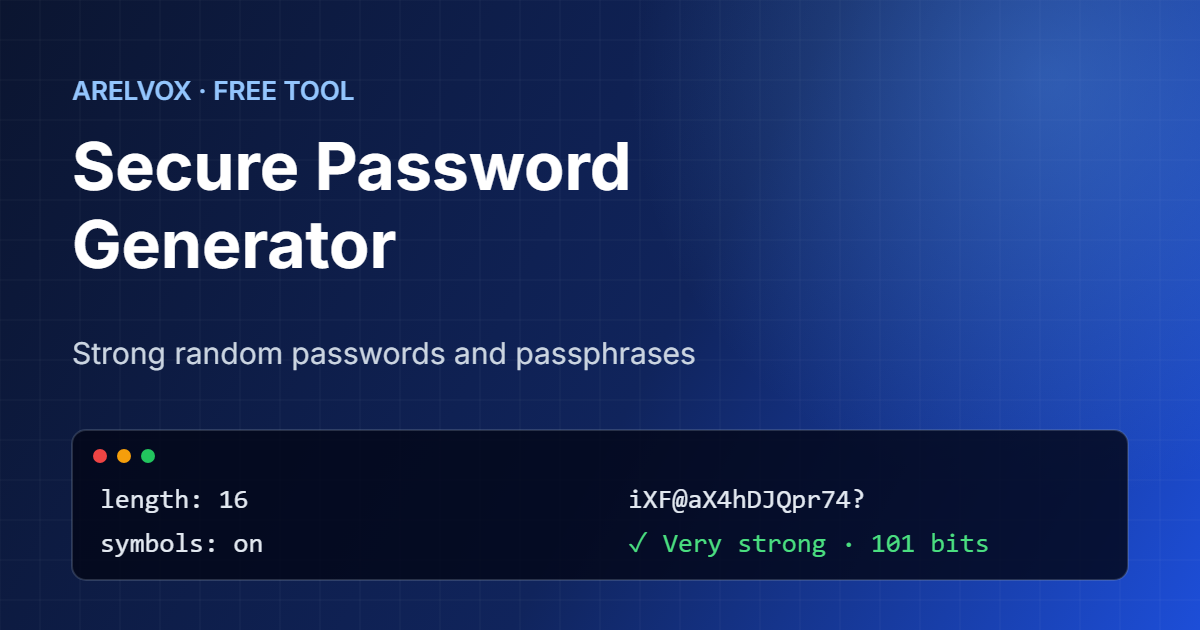
Use this free password generator to create strong, random passwords and passphrases in one click. Everything happens in your browser with the Web Crypto API, so the password is never sent to our server or saved anywhere.
Password Generator
Options
Passwords are generated in your browser with the Web Crypto API. Nothing is sent to our server or stored anywhere.
How to Use the Password Generator
- First, choose Password for a random string or Passphrase for a series of words that is easier to type.
- Then, move the slider to set the length. For important accounts, use at least 16 characters or 6 words.
- Next, tick the character types you need. If a site does not accept symbols, simply untick them.
- Finally, press Copy and paste the password into your password manager.
What Makes a Password Strong?
In short, a strong password is long and random. Length matters more than anything else, because every extra character multiplies the number of guesses an attacker needs. Randomness matters too: passwords based on names, dates or words with a number at the end are the first ones attackers try. A good password generator solves both problems at once.
The strength meter shows the entropy in bits, which measures how unpredictable the password is. As a rough guide, 60 bits is strong and 80 bits or more is very strong for any account.
Password or Passphrase?
Random passwords such as iXF@aX4hDJQpr74? pack a lot of strength into a few characters, so they are ideal when a password manager fills them in for you. On the other hand, passphrases such as Snow-Radar5-Kite-Dust-Hedge-Fork-Storm are much easier to remember and to type on a phone or TV. Therefore, use a passphrase for the few passwords you need to type by hand, such as your password manager or computer login.
How This Password Generator Works
The tool uses crypto.getRandomValues(), the same secure random source browsers use for encryption, instead of the predictable Math.random(). In addition, it removes bias with rejection sampling and makes sure every character type you select appears at least once. Because it runs entirely in your browser, you can even use it offline once the page has loaded.
Tips to Keep Your Accounts Safe
- Use a different password for every account, so one leak does not expose the rest.
- Store your passwords in a password manager such as Bitwarden or KeePassXC.
- Turn on two-factor authentication wherever it is available.
- Change a password right away if a service reports a data breach.
For more ways to protect your devices, read our guide on how to secure your home network.
In fact, modern guidance agrees that length beats complexity. For example, the US standards institute NIST recommends long passwords and passphrases over forced symbol rules in its Digital Identity Guidelines (SP 800-63B). As a result, a long password from this password generator is exactly what current best practice suggests.
Frequently Asked Questions
Is this password generator safe to use?
Yes. Passwords are created in your browser with the Web Crypto API and never leave your device. Nothing is sent to our server, logged or stored.
How long should a password be?
As a rule, use at least 12 characters for everyday accounts and 16 or more for email, banking and your password manager. For passphrases, 6 or 7 random words is a good target.
Are passphrases secure?
Yes, as long as the words are chosen at random and there are enough of them. Seven random words are much stronger than a typical eight-character password.
Why should I avoid look-alike characters?
Characters such as 0 and O or 1 and l are easy to confuse when you read a password aloud or type it by hand. Removing them makes the password slightly shorter in strength, so add one or two extra characters.
Is this password generator free?
Yes. In fact, it is completely free, needs no sign-up and works in any modern browser.
More free tools: Base64 encoder and decoder, subnet calculator and the full list on our Projects page.