
Use this free voltage divider calculator to find the output voltage of two resistors in series, or to find the resistor you need for a target voltage. It also shows the current, the power in each resistor and the nearest standard resistor value.
Voltage Divider Calculator
Output voltage
–
How to Use the Voltage Divider Calculator
- First, choose Find Vout if you already have two resistors, or Find R2 if you need a specific output voltage.
- Then, enter the input voltage and the resistor values, and pick Ω, kΩ or MΩ for each one.
- Next, read the output voltage, the current through the divider and the power in each resistor.
- Finally, in Find R2 mode, use the suggested standard (E24) value and check the small error it adds.
The Voltage Divider Formula
A voltage divider is simply two resistors in series between a voltage and ground. The output is taken from the point between them, and it is always a fraction of the input:
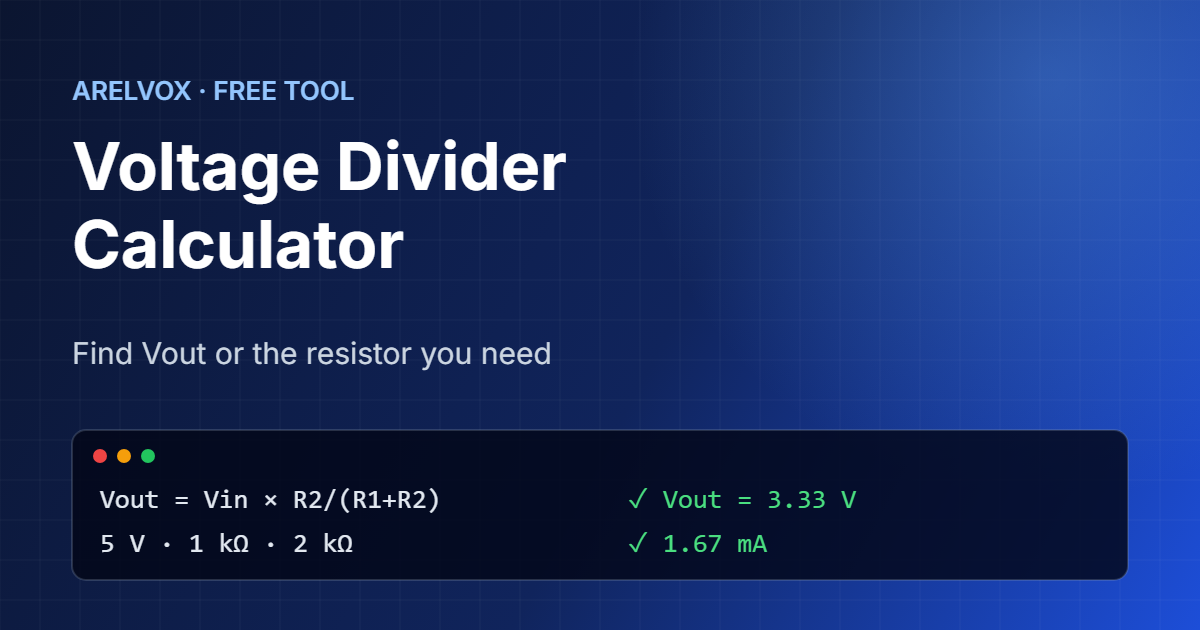
Vout = Vin × R2 / (R1 + R2)
R2   = R1 × Vout / (Vin − Vout)
For example, with 5 V, R1 = 1 kΩ and R2 = 2 kΩ, the output is 5 × 2 / 3 = 3.33 V. In other words, the bigger R2 is compared with R1, the closer the output gets to the input. This voltage divider calculator applies the formula for you and also works it backwards.
Common Uses
- Reading a higher voltage with an ESP32 or Raspberry Pi: their pins only accept 3.3 V, so a divider brings a 5 V signal down to a safe level.
- Measuring a battery: divide a 12 V battery down to under 3.3 V and read it with the ADC.
- Reference voltages: set a threshold for a comparator or an op-amp.
- Potentiometers: a potentiometer is a voltage divider with an adjustable middle point.
If you build with an ESP32, see how we read sensors in our ESP32 washing machine alert project.
Choosing Resistor Values
Many pairs of resistors give the same ratio, so how do you choose? Low values, such as 100 Ω, waste current and heat up. On the other hand, very high values, such as several megaohms, make the output sensitive to noise and to the load you connect. As a rule, values between 1 kΩ and 100 kΩ work well for signals. For battery monitoring, higher values such as 100 kΩ save power, because the divider is always drawing current.
Once you have the values, read the color bands with our resistor color code calculator.
When Not to Use a Voltage Divider
A voltage divider is great for signals, but it is not a power supply. As soon as you connect a load that draws current, such as a motor, an LED strip or a microcontroller, the output voltage drops, because the load acts like a third resistor in parallel with R2. In that case, use a voltage regulator or a buck converter instead. Similarly, for fast digital signals such as UART at high speed, a proper level shifter is more reliable.
To understand why, try the numbers in our Ohm’s law calculator.
In addition, SparkFun has an excellent illustrated tutorial on voltage dividers if you want to see more circuits. After that, come back to the voltage divider calculator whenever you need exact values.
Frequently Asked Questions
How do I convert 5V to 3.3V with resistors?
Use R1 = 1 kΩ and R2 = 2 kΩ, which gives 3.33 V. For example, this is a common way to connect a 5 V sensor output to an ESP32 or Raspberry Pi input pin.
What is the formula for a voltage divider?
Vout = Vin × R2 / (R1 + R2), where R1 is the resistor connected to the input and R2 is the resistor connected to ground.
Can I power a device with a voltage divider?
No. In practice, the output voltage drops as soon as a device draws current. Use a voltage regulator or a buck converter to power circuits.
Why is my measured voltage different?
Resistors have tolerances, usually 1% or 5%, and the input of your meter or microcontroller also draws a little current. With very high resistor values, this effect is larger.
Is this voltage divider calculator free?
Yes. In fact, it is completely free, needs no sign-up and runs in your browser.
More free tools: Ohm’s law calculator, LED resistor calculator and the full list on our Projects page.