
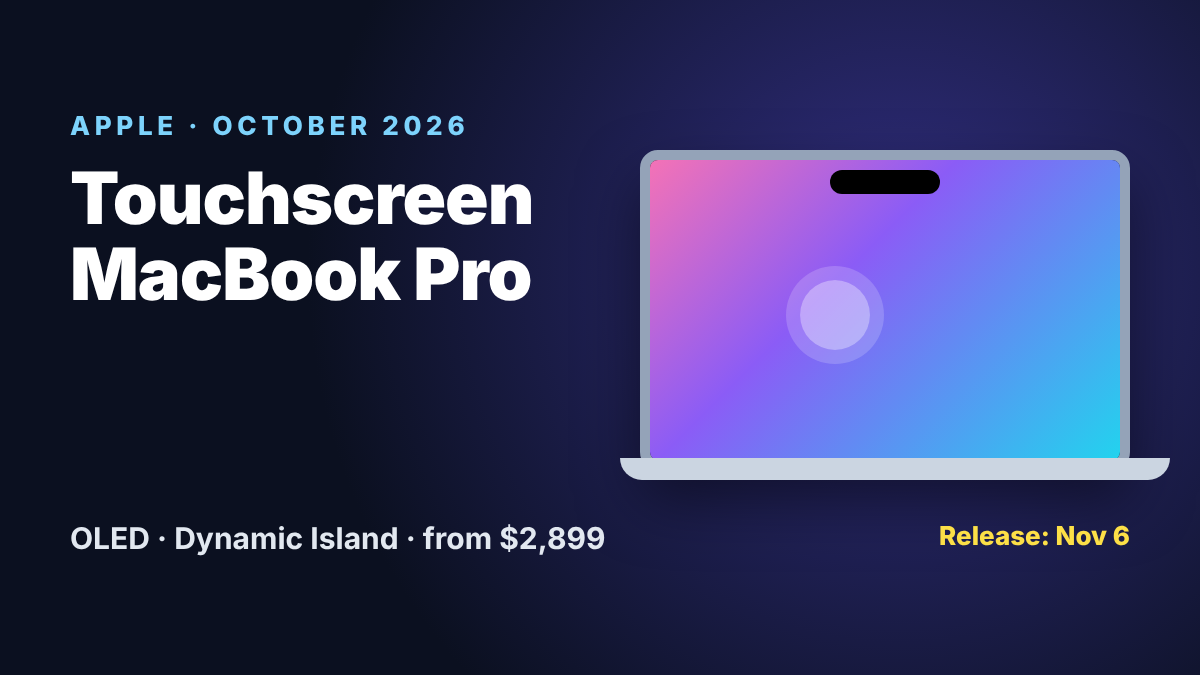
After years of saying no, Apple has put a touchscreen on the Mac. At its “Pro and Tell” event in Los Angeles, Apple introduced a redesigned MacBook Pro with a tandem OLED display, touch support in macOS and a Dynamic Island, in a thinner and lighter body. Here are the confirmed prices, specs and release date, and what touch actually does on a Mac.
OLED MacBook Pro Price and Release Date
| Model | Chip | Starting price |
|---|---|---|
| MacBook Pro 14-inch (OLED) | M5 Pro | $2,899 |
| MacBook Pro 16-inch (OLED) | M5 Pro | $3,399 |
| MacBook Pro 14-inch (OLED) | M5 Max | $4,499 |
| MacBook Pro 16-inch (OLED) | M5 Max | $4,799 |
Pre-orders: open now (from October 28, 2026). Release date: Friday, November 6, 2026, the same day as the M6 MacBook Pro, the M6 iMac and the OLED iPad mini.
Specs: Display, Chips and Design
| 14-inch | 16-inch | |
|---|---|---|
| Display | 14.2-inch tandem OLED (PROLED XDR), touch | 16.3-inch tandem OLED (PROLED XDR), touch |
| Refresh rate | 10 to 120Hz adaptive | 10 to 120Hz adaptive |
| Brightness | Up to 2,000 nits peak, 1,000 nits full-screen sustained | Same |
| Color | P3 and Adobe RGB | P3 and Adobe RGB |
| Chips | M5 Pro or M5 Max | M5 Pro or M5 Max |
| Weight | About 3 pounds | About 4 pounds |
| Battery | Up to 24 hours (Apple) | Up to 24 hours (Apple) |
| Ports | 3x Thunderbolt 5, HDMI, SDXC, MagSafe 3, headphone jack | Same |
| Wireless | Wi-Fi 7, Bluetooth 6 | Wi-Fi 7, Bluetooth 6 |
According to The Next Web, the 14-inch model is about half a pound lighter than before. The base 14-inch configuration comes with an M5 Pro (15-core CPU, 16-core GPU), 24GB of memory and 1TB of storage.
What Touch Does on a Mac
- Tap, scroll and pinch to zoom directly on the screen, alongside the keyboard and trackpad.
- Works with existing apps: macOS translates touches into clicks, so many apps work without updates.
- Pro apps are coming: touch updates for Microsoft Office, Adobe Lightroom and DaVinci Resolve are due later this year.
- Dynamic Island: replaces the notch and shows live activities and music controls, like on iPhone.
It is a big change of direction. Steve Jobs once called touchscreen laptops “ergonomically terrible”, and Apple long argued that a trackpad was the better way to use a Mac. Apple’s hardware chief Johny Srouji now calls the new model a “monumental step forward for the Mac”.
OLED MacBook Pro vs M6 MacBook Pro
| M6 MacBook Pro 14-inch | OLED MacBook Pro 14-inch | |
|---|---|---|
| Price | $1,999 | $2,899 |
| Display | Liquid Retina XDR (mini-LED) | Tandem OLED (PROLED XDR) |
| Touchscreen | No | Yes |
| Notch or island | Notch | Dynamic Island |
| Chip | M6 (12-core CPU, 12-core GPU) | M5 Pro or M5 Max |
| Release date | November 6 | November 6 |
- Buy the M6 model if you want the best value and do not need touch. It is fast, efficient and $900 cheaper.
- Buy the OLED model if you edit photos or video, want the brightest and most accurate display, a lighter body or the extra GPU power of the M5 Pro and M5 Max.
- Wait for reviews if you are unsure about touch on a laptop. Real battery life with a 120Hz OLED screen is the big unknown.
More details on the cheaper model: M6 MacBook Pro price, specs and release date. Got a new Mac? Check the panel with our free dead pixel test and see the 120Hz in action with our refresh rate test.
Frequently Asked Questions
How much does the touchscreen MacBook Pro cost?
The 14-inch model starts at $2,899 and the 16-inch at $3,399 with the M5 Pro chip. With M5 Max, the 14-inch costs $4,499 and the 16-inch $4,799.
When is the OLED MacBook Pro released?
Apple announced it on October 28, 2026. Pre-orders are open now, and the first deliveries and in-store availability start on Friday, November 6, 2026.
Which chip does the OLED MacBook Pro use?
It uses the M5 Pro or M5 Max chip. The base 14-inch configuration has an M5 Pro with a 15-core CPU, 16-core GPU, 24GB of memory and 1TB of storage.
Is the whole MacBook Pro lineup touchscreen now?
No. Only the new PROLED XDR models have OLED and touch. The 14-inch M6 MacBook Pro, from $1,999, keeps the Liquid Retina XDR mini-LED display without touch.
How does touch work in macOS?
You can tap, scroll and pinch to zoom on the screen. macOS translates touches into clicks, so many existing apps work right away, and touch updates for Microsoft Office, Adobe Lightroom and DaVinci Resolve are coming later this year.
Does the OLED MacBook Pro have a notch?
No. It has a Dynamic Island at the top of the display, like the iPhone, which shows live activities and music controls.