
/flows deploys a flow that runs commands and drops a Linux bot and webshells. Any Node-RED editor open to the internet without a login can be hit the same way. Fix: update (Siemens V4.3.4.1), turn on adminAuth, and never expose port 1880.Last updated: November 3, 2026
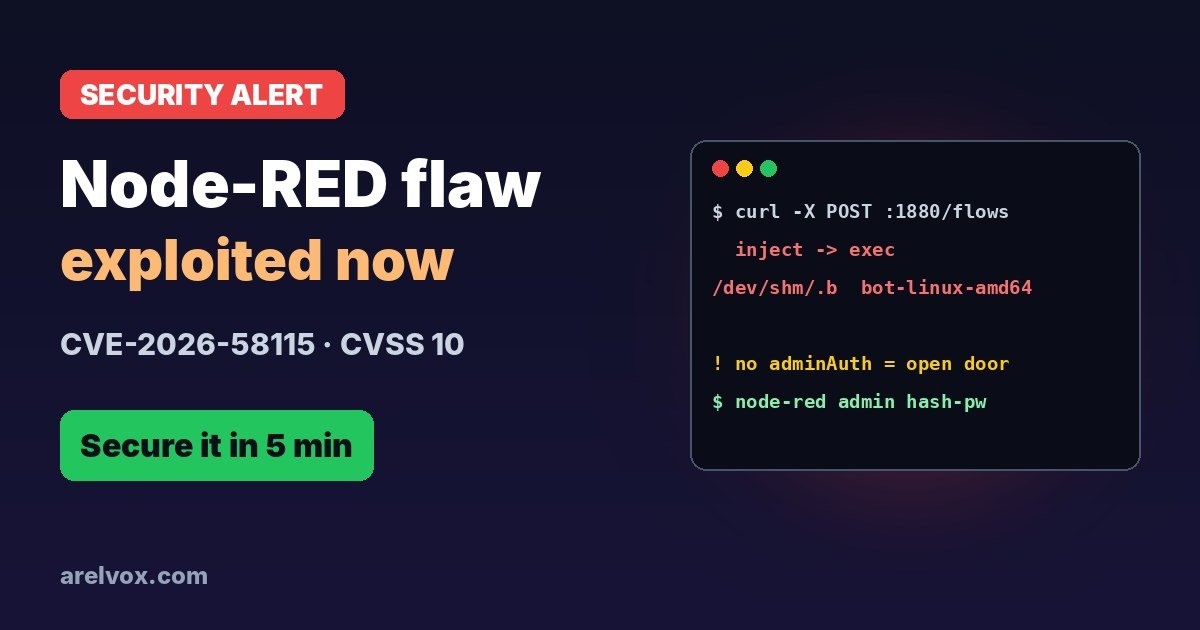
Node-RED is the drag-and-drop automation tool behind countless smart homes, Home Assistant setups, Raspberry Pi projects and industrial gateways. This week, security firm VulnCheck reported that attackers are actively exploiting a maximum-severity Node-RED flaw to take over devices. If you run Node-RED anywhere, here is what is happening and how to lock it down in five minutes.
What Is CVE-2026-58115?
Siemens disclosed CVE-2026-58115 in August 2026 (advisory SSA-834709) for its SIMATIC IoT2050 Advanced industrial gateways, which ship with Node-RED. Siemens rates it CVSS 10.0 and says it could allow an “unauthenticated remote attacker to create malicious flows and execute arbitrary code”. Devices running Industrial OS with Node-RED before V4.3.4.1 are affected.
Node-RED flows can include an exec node, which runs shell commands on the machine. That is a feature, not a bug, but it means that anyone who can deploy flows can run any command with Node-RED’s permissions. Without a login, the editor is an open door.
How the Attack Works
VulnCheck’s honeypots caught the first attack on October 30, 2026. The same attacker hit the flaw 16 times by November 1, while also scanning for bugs in Apache Solr, Gitea, MLflow, Traefik, Joomla and others. VulnCheck calls it opportunistic mass scanning. The attack is simple:
- A single
POST /flowsrequest deploys a new flow with an inject node wired to an exec node, so it runs automatically. - The flow downloads a binary called
bot-linux-amd64, saves it in RAM-backed/dev/shmunder a hidden name and runs it in the background. - Other payloads are saved as
/tmp/.sand/tmp/.kworker(named to look like a kernel thread). - Some attackers also add webshells:
http inendpoints such as/cmdwired to exec nodes, which survive reboots because they live inside your flows.
As VulnCheck put it, Node-RED instances without adminAuth “are being found and exploited automatically”. No human needs to find you: bots do it.
Who Is at Risk?
| Setup | Risk |
|---|---|
| Siemens SIMATIC IoT2050 with Node-RED before V4.3.4.1 | Critical: patch now |
| Any Node-RED with port 1880 open to the internet and no adminAuth | Critical: same attack works |
| Node-RED reachable only on your home LAN | Lower, but a single infected device on your network could reach it |
| Node-RED with adminAuth, behind a VPN | Low |
How to Secure Node-RED in 5 Minutes
1. Update. On Siemens IoT2050, install the fixed Industrial OS image with Node-RED V4.3.4.1 or later. Everywhere else, update Node-RED to the latest release (on Home Assistant, update the Node-RED add-on).
2. Turn on the editor login (adminAuth). First generate a bcrypt hash of your password:
node-red admin hash-pwThen add it to settings.js (usually in ~/.node-red/) and restart Node-RED:
adminAuth: {
    type: "credentials",
    users: [{
        username: "admin",
        password: "$2b$08$PASTE_YOUR_HASH_HERE",
        permissions: "*"
    }]
},
3. Protect your HTTP endpoints. If your flows use http in nodes, set httpNodeAuth in settings.js so they need a username and password too.
4. Never expose port 1880 to the internet. Remove any port forward for 1880 on your router. For remote access, use a VPN such as Tailscale or WireGuard, or Home Assistant’s own remote access. You can check which ports are open with our guide on how to check open ports on Linux.
5. Do not run Node-RED as root, so a compromised flow cannot take over the whole system.
How to Check if You Were Hacked
- Open the editor and look for flows you did not create, especially exec nodes and http in nodes with odd paths like
/cmd. - Look for the dropped files:
ls -la /dev/shm/.b /tmp/.s /tmp/.kworker. - Check running processes for anything started from
/dev/shmor/tmp:ps aux | grep -E "/dev/shm|/tmp/". - If you find anything: unplug the device from the network, export your legitimate flows, wipe and reinstall, then change every password and token that Node-RED stored (MQTT, Home Assistant, cloud APIs).
Frequently Asked Questions
What is CVE-2026-58115?
CVE-2026-58115 is a critical (CVSS 10.0) flaw disclosed by Siemens in August 2026 for SIMATIC IoT2050 devices that run Node-RED. It lets an unauthenticated remote attacker create Node-RED flows and run any command on the device.
Is CVE-2026-58115 being exploited?
Yes. VulnCheck saw attacks starting on October 30, 2026: a single POST request to /flows deployed a flow that downloaded a Linux bot and planted webshells. The same attacker was mass-scanning for other vulnerable apps too.
Does this affect my Node-RED on Home Assistant or a Raspberry Pi?
The CVE was assigned for Siemens devices, but the attack itself works on any Node-RED editor that is reachable from the internet without adminAuth. If your Node-RED has no login and port 1880 is open to the internet, treat it as exposed.
How do I protect Node-RED?
Never expose port 1880 directly to the internet, turn on adminAuth with a bcrypt password hash, protect HTTP endpoints with httpNodeAuth, update Node-RED and your device firmware, and use a VPN such as Tailscale or WireGuard for remote access.
How do I know if my Node-RED was hacked?
Look for flows you did not create, especially exec nodes or http in nodes like /cmd, and for files such as /dev/shm/.b, /tmp/.s or /tmp/.kworker. Also check for processes started from /dev/shm or /tmp.