
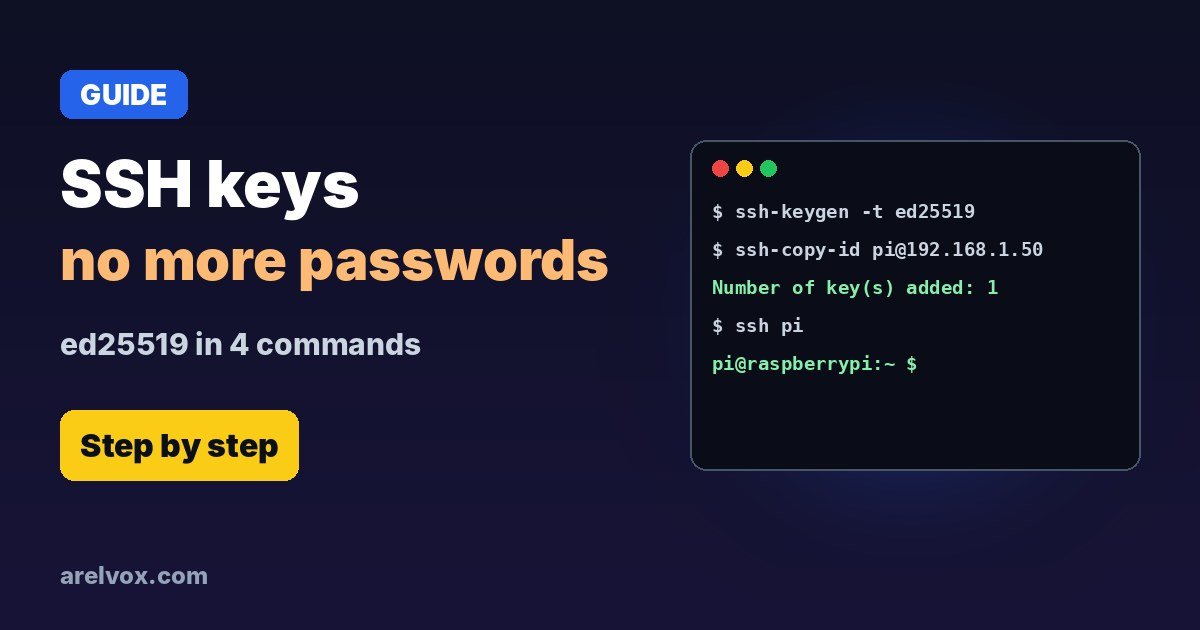
ssh-keygen -t ed25519 on your computer, copy the key to the server with ssh-copy-id user@server, test the login, then set PasswordAuthentication no on the server. Safer than passwords and no more typing them.SSH keys replace your password with a pair of keys: a private one that never leaves your computer and a public one you put on the server. Logging in becomes faster and much harder to attack. Here is the whole setup for Linux, macOS and Raspberry Pi.
1. Create Your Key
On your own computer, not the server:
ssh-keygen -t ed25519 -C "my-laptop"Press Enter to accept the default location (~/.ssh/id_ed25519) and choose a passphrase. You now have two files: id_ed25519 (private, never share it) and id_ed25519.pub (public).
2. Copy the Public Key to the Server
ssh-copy-id user@192.168.1.50Use your server’s user and IP. It asks for your password one last time and adds the key to ~/.ssh/authorized_keys on the server.
3. Test It
ssh user@192.168.1.50If you set a passphrase, it asks for that instead of the server password. To type it only once per session:
eval "$(ssh-agent -s)"
ssh-add ~/.ssh/id_ed25519
4. Turn Off Password Login (Recommended)
Keep your current SSH session open while you do this, so you cannot lock yourself out. On the server:
sudo nano /etc/ssh/sshd_configSet these lines (remove the # if they are commented). Some systems also have files in /etc/ssh/sshd_config.d/ that can override them, so check there too:
PasswordAuthentication no
PermitRootLogin no
Then restart SSH and test from a new terminal:
sudo systemctl restart sshOn some distributions the service is called sshd instead of ssh.
5. Bonus: Shortcuts With ~/.ssh/config
Host pi
    HostName 192.168.1.50
    User pi
    IdentityFile ~/.ssh/id_ed25519
Now ssh pi is all you need. A static IP keeps the address from changing.
Keep an Eye on authorized_keys
Every line in ~/.ssh/authorized_keys is a key that can log in as you. Check it from time to time and remove any you don’t recognise. Recent supply chain attacks have planted their own keys there, as in the malicious Cursor extension case.
Frequently Asked Questions
Is ed25519 better than RSA?
For new keys, yes. Ed25519 keys are short, fast and secure, and every modern OpenSSH supports them. Use RSA with 4096 bits only for very old servers that do not accept ed25519.
Should I set a passphrase?
Yes, if the key is on a laptop or any machine that could be stolen. Use ssh-agent so you type it only once per session.
What if ssh-copy-id is not available?
Copy the content of ~/.ssh/id_ed25519.pub and append it as a new line to ~/.ssh/authorized_keys on the server. That file must be readable only by you (chmod 600).
Is it safe to disable password login?
Yes, once you have confirmed that key login works from a second terminal. Keep that session open until you are sure, so you cannot lock yourself out.