
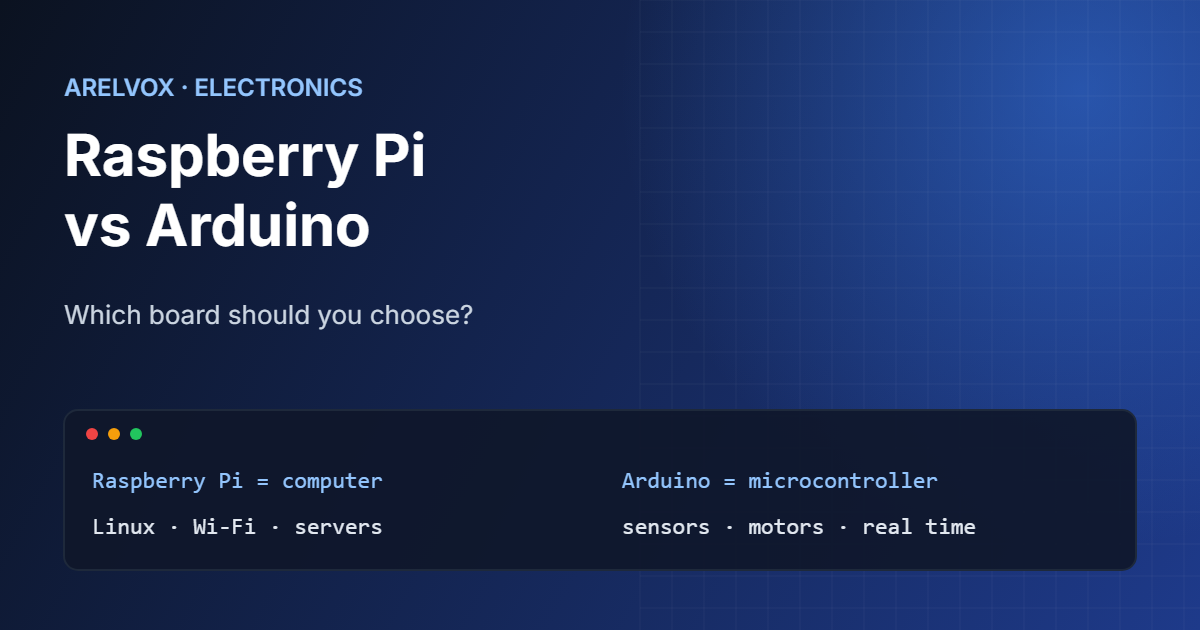
Raspberry Pi vs Arduino is one of the first questions every maker asks. Both are small, affordable boards, and both appear in thousands of projects. However, they are built for very different jobs, and choosing the wrong one can make a simple project much harder.
This guide compares Raspberry Pi vs Arduino in plain English. You will learn the key differences, see which projects suit each board, and get a simple rule for deciding which one to buy first.
The Short Answer
A Raspberry Pi is a small computer. It runs a full operating system, usually Linux, and can do almost anything a desktop PC does: host a website, block ads, stream media or run Python scripts.
An Arduino is a microcontroller. It runs one program in a loop, starts instantly and talks directly to sensors, LEDs and motors. It cannot browse the web, but it is excellent at reacting to the physical world quickly and reliably.
🛒 What you need
As an Amazon Associate, Arelvox earns from qualifying purchases. This does not change the price you pay.
Raspberry Pi vs Arduino: Key Differences
| Feature | Raspberry Pi | Arduino |
|---|---|---|
| Type | Single-board computer | Microcontroller board |
| Operating system | Linux (Raspberry Pi OS) | None, runs one program |
| Programming | Python, C, JavaScript and more | C/C++ in the Arduino IDE |
| Boot time | Tens of seconds | Almost instant |
| Power use | A few watts | A fraction of a watt |
| Analog inputs | No (needs an extra chip) | Yes, built in |
| Networking | Wi-Fi and Ethernet on most models | Only on some models or with add-ons |
| Best at | Servers, media, software projects | Sensors, motors, timing-critical tasks |
In short, the Raspberry Pi wins whenever you need software, storage or a network. In contrast, the Arduino wins whenever you need low power, instant start-up or precise control of electronics.
When to Choose a Raspberry Pi
Pick a Raspberry Pi if your project is mostly about software or needs to stay connected to your network. For example:
- A home server for files, backups or media.
- A network-wide ad blocker with Pi-hole.
- A dashboard, a smart home hub or a small web app.
- Learning Linux and the command line on real hardware.
Because it runs Linux, a Raspberry Pi also needs care like any computer: updates, a proper power supply and a clean shutdown. Otherwise, the SD card can become corrupted.
When to Choose an Arduino
Pick an Arduino if your project is mostly about electronics. For instance:
- Reading sensors such as temperature, light or distance.
- Controlling LEDs, servos, relays or small motors.
- Battery-powered devices that must run for weeks.
- Anything that must react within microseconds, such as a timing circuit.
Arduino is also the easiest way to learn electronics itself, because there is no operating system in the way. If you are starting from zero, follow our guide to your first Arduino project.
Can You Use Both Together?
Yes, and many of the best projects do exactly that. The Arduino handles the sensors and motors in real time, while the Raspberry Pi collects the data, stores it and shows it on a web page. The two boards usually talk over a USB cable or a serial connection.
There is also a middle ground: the Raspberry Pi Pico. Despite the name, it is a microcontroller, so it behaves much more like an Arduino than like a Raspberry Pi computer.
Important Electrical Differences
One detail catches many beginners. The GPIO pins on a Raspberry Pi use 3.3 V logic and are not 5 V tolerant, so connecting a 5 V signal directly can damage the board. Many classic Arduino boards, such as the Uno, use 5 V logic. When you connect them, use a level shifter or a simple voltage divider.
Both boards often need resistors in your circuits, for example to protect LEDs. If you are not sure what value a resistor is, read its bands with our free resistor color code calculator.
Which One Should You Buy First?
Use this simple rule. If the main question is “what should my program do?”, choose a Raspberry Pi. If the main question is “what should my circuit do?”, choose an Arduino.
Still unsure? Start with the board that matches the first project you actually want to build, not the one with the best specifications. You can read the official documentation on raspberrypi.com and docs.arduino.cc to compare current models.
FAQ: Raspberry Pi vs Arduino
Is Raspberry Pi or Arduino better for beginners?
Both are beginner-friendly. Arduino is better for learning electronics, while Raspberry Pi is better for learning Linux, programming and networking. Choose based on the first project you want to build.
Can a Raspberry Pi replace an Arduino?
Often, yes, for simple tasks. However, a Raspberry Pi has no built-in analog inputs, uses more power and is not ideal for precise real-time control, so an Arduino is still the better tool for many electronics projects.
Can I program an Arduino with Python?
Not directly in the classic way. Arduino boards are normally programmed in C/C++, although some newer boards and the Raspberry Pi Pico support MicroPython.