
If you have ever seen a “Permission denied” error, you have already met file permissions on Linux. They decide who can read, change or run every file on your system. Once you understand them, many confusing errors suddenly make sense.
In this guide, Linux file permissions are explained step by step: what rwx means, how to read the output of ls -l, and how to change permissions safely with chmod and chown.
Linux File Permissions Explained: Read, Write and Execute
To begin with, every file and folder has three basic permissions. However, they mean slightly different things for files and for folders:
| Permission | Letter | On a file | On a folder |
|---|---|---|---|
| Read | r | View the contents | List the files inside |
| Write | w | Change the contents | Create, delete or rename files inside |
| Execute | x | Run it as a program | Enter the folder with cd |
Of course, the folder column surprises many beginners. For example, without execute permission on a folder you cannot open it, even if you can read the file names.
Owner, Group and Others in Linux File Permissions
Next, Linux applies those three permissions to three different sets of users:
- Owner (u): the user who owns the file, usually the person who created it.
- Group (g): users who belong to the file’s group, such as a team or a service account.
- Others (o): everyone else on the system.
As a result, each file has nine permission flags: read, write and execute for the owner, the group and others.
How to Read Linux File Permissions with ls -l
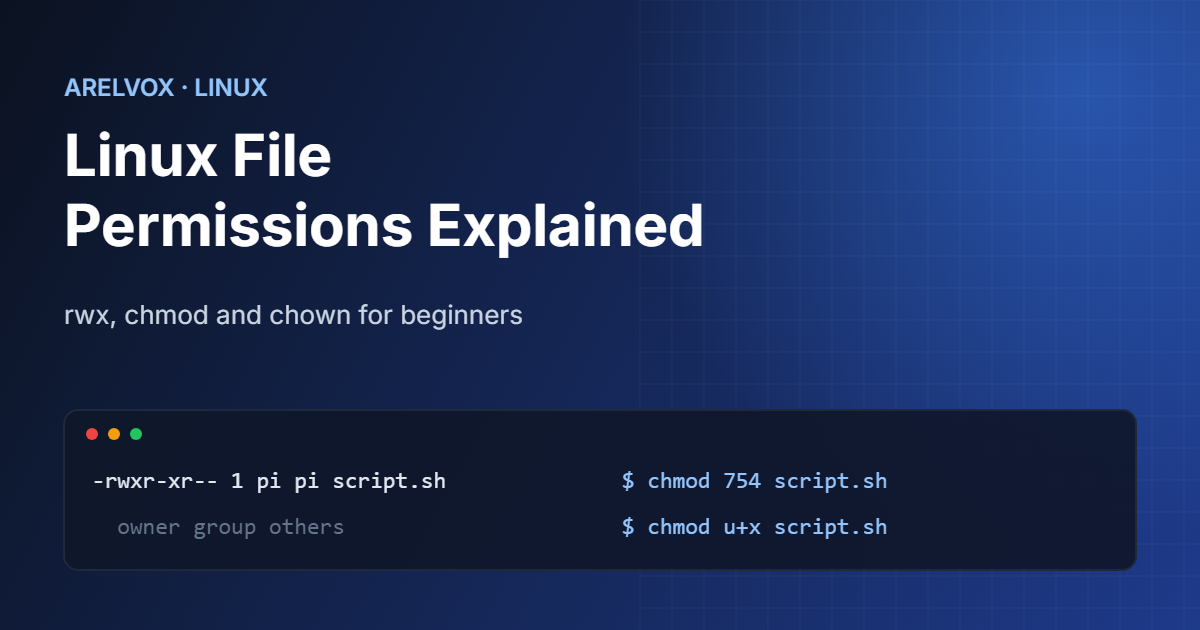
Now let us look at real output. To see the permissions of the files in a folder, run ls -l. For example, a typical line looks like this:
-rwxr-xr-- 1 pi developers 2048 Oct 20 10:15 backup.sh- The first character is the type:
-for a file,dfor a directory andlfor a link. rwx: the owner can read, write and execute.r-x: the group can read and execute, but not change the file.r--: others can only read it.piis the owner anddevelopersis the group.
If ls and other terminal basics are still new to you, our list of essential Linux commands is a good place to start.
Numeric Permissions: What 755 and 644 Mean
In addition, Linux file permissions are often written as three numbers. Specifically, each permission has a value: read is 4, write is 2 and execute is 1. Then you add them together for the owner, the group and others.
| Value | Symbolic | Meaning | Typical use |
|---|---|---|---|
| 755 | rwxr-xr-x | Owner full access, others read and run | Scripts and folders |
| 644 | rw-r–r– | Owner can edit, others can read | Regular files |
| 700 | rwx—— | Only the owner has access | Private folders |
| 600 | rw——- | Only the owner can read and write | SSH keys, passwords |
As a shortcut, you can convert any value instantly with our free chmod calculator, which also writes the command for you.
How to Change Permissions with chmod
The chmod command changes Linux file permissions. For example, you can use numbers or letters.
chmod 644 notes.txt      # owner rw, everyone else r
chmod 755 deploy.sh      # make a script runnable
chmod u+x deploy.sh      # add execute for the owner only
chmod g-w report.txt     # remove write from the group
chmod -R 755 website/    # apply to a folder and everything inside
The letter form is handy for small changes: u, g and o pick who, and +, - or = add, remove or set permissions. In contrast, the numeric form sets everything at once. Above all, use -R carefully, because it changes every file inside the folder.
How to Change Ownership with chown
However, sometimes the problem is not the permissions but the owner. For instance, a web server usually needs to own the files it serves. Use chown to change the owner and group:
sudo chown pi file.txt                # change the owner
sudo chown pi:developers file.txt     # change owner and group
sudo chown -R www-data:www-data /var/www/html
Because changing ownership needs administrator rights, the command starts with sudo. If you do not want to remember the syntax, our Linux command generator builds chmod and chown commands for you.
Safe Permission Habits
- First of all, avoid
chmod 777, because it lets every user and every compromised program change your files. - Also, keep private keys at 600. In fact, SSH even refuses to use keys that other users can read.
- Similarly, give scripts 755 only when they really need to run, because loose Linux file permissions are a common security gap. For example, a script launched by a cron job must be executable.
- Check the full option list in the GNU chmod manual when you need something unusual.
Finally, if you want to go deeper, the Wikipedia article on file-system permissions compares how Linux, macOS and Windows handle access rights.
FAQ: Linux File Permissions Explained
What does chmod 755 mean?
It gives the owner read, write and execute permissions (7), and gives the group and others read and execute permissions (5). It is the standard value for scripts and folders.
Why do I get “Permission denied” on Linux?
Usually because your user does not have the right permission on the file or on one of the folders in its path, or because a script is missing execute permission. Check with ls -l and fix it with chmod or chown.
What is the difference between chmod and chown?
chmod changes what users can do with a file, such as read or execute it. chown changes who owns the file and which group it belongs to.