
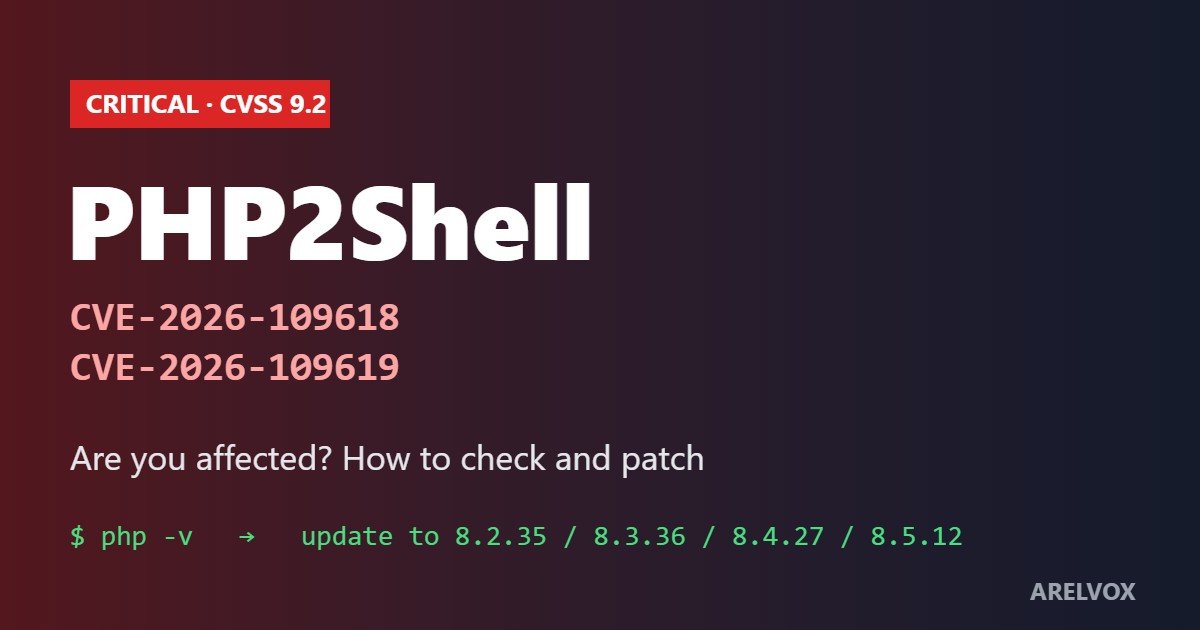
PHP2Shell is the name given to two critical vulnerabilities in PHP itself, CVE-2026-109618 and CVE-2026-109619, which PHP fixed on October 21, 2026. They let an attacker run code on a web server with a single unauthenticated HTTP request, before your application code even starts. Because PHP powers WordPress and a large share of the web, this is one of the most serious PHP bugs in years. Here is what it is, how to check if you are affected and exactly how to patch.
What Is PHP2Shell?
PHP2Shell covers two separate bugs in the PHP interpreter. Both score 9.2 on CVSS v4.0 and both can lead to remote code execution with the privileges of the web server user, such as www-data.
- CVE-2026-109618 (memory corruption): when a request makes PHP run out of memory while it is still setting up, part of an internal hash table stays half-built. The cleanup code then treats it as valid, which an attacker can abuse to call a function of their choice.
- CVE-2026-109619 (use-after-free): some worker-wide state can survive the request that created it. A later request handled by the same PHP worker can then use a stale pointer.
The dangerous part is where it happens. The failure occurs while PHP parses the incoming request, so login pages, firewalls in your app, plugins and frameworks never get a chance to stop it. In other words, keeping WordPress and your plugins up to date does not fix PHP2Shell. Only updating PHP does.
PHP2Shell Timeline
- October 17, 2026: AWS reported exploitation attempts four days before the public disclosure, according to Datadog.
- October 20: details leaked on social media ahead of the planned October 22 disclosure.
- October 21: PHP released emergency fixes and published its advisories. watchTowr reported exploitation in its honeypots the same day.
- October 22–23: public proof-of-concept exploits appeared. Security vendors added scanner checks and detections.
Not every vendor sees the same PHP2Shell picture. Rapid7 says the public exploits only work against specific combinations of operating system, PHP version and web server, and that it had not confirmed in-the-wild exploitation itself. That difficulty buys you a little time, but every vendor agrees on the advice: patch now.
Which PHP Versions Are Affected by PHP2Shell?
| PHP branch | Affected | Fixed in |
|---|---|---|
| 8.5 | before 8.5.12 | 8.5.12 |
| 8.4 | before 8.4.27 | 8.4.27 |
| 8.3 | before 8.3.36 | 8.3.36 |
| 8.2 | before 8.2.35 | 8.2.35 |
| 8.1, 8.0, 7.4 | all versions | no official release; source backports, distro/LTS packages, or upgrade |
| 7.3 and older (incl. PHP 5) | all versions | no fix, upgrade to a supported branch |
Every way of running PHP for the web falls in scope: Apache mod_php, PHP-FPM, php-cgi, LiteSpeed and FrankenPHP. The PHP team rates mod_php as the highest risk. One important detail: Linux distributions often backport security fixes without changing the version number, so an “old” version on Debian, Ubuntu or RHEL may already include the fix. Always check your vendor advisory, not just the number.
The scale is huge. According to CybelAngel, citing Shodan data from October 20, about 2.24 million internet-facing hosts advertise PHP, and 59% of those that show a version run a branch with no official fix. For WordPress, 35.1% of sites run an unsupported PHP version, according to WordPress.org statistics they cite.
How to Check Your PHP Version for PHP2Shell
On a server with SSH
php -vTo find out whether PHP2Shell affects you, check the PHP that serves your website. Careful: the command-line PHP is not always the same binary your website uses. To see what the web server actually runs, check PHP-FPM and installed packages too:
# PHP-FPM version (Debian/Ubuntu)
php-fpm8.3 -v

# Installed PHP packages
dpkg -l | grep php        # Debian/Ubuntu
rpm -qa | grep php        # RHEL/AlmaLinux/Rocky

# Docker image
docker exec <container> php -v
On WordPress
In the WordPress dashboard go to Tools → Site Health → Info → Server. The PHP version row shows exactly what your site uses.
On shared hosting
Open your hosting panel and look for the PHP version or PHP configuration section (for example in cPanel’s MultiPHP Manager or Select PHP Version, or the PHP Configuration page in Hostinger’s hPanel). On shared hosting, though, the host controls the actual PHP build, so the most reliable check is to ask support whether the PHP2Shell fixes are applied.
How to Patch PHP2Shell
Debian and Ubuntu
sudo apt update
sudo apt install --only-upgrade 'php*'

# restart PHP so the fix takes effect
sudo systemctl restart php8.3-fpm     # match your version
sudo systemctl restart apache2        # if you use mod_php
RHEL, AlmaLinux, Rocky, Fedora
sudo dnf upgrade 'php*'
sudo systemctl restart php-fpm httpd
If you use the Remi repository, note that Rapid7 reported Remi RPMs were not expected to receive the update on release day, and PHP advised switching to distribution packages or building from source.
Docker
Pull the latest official image for your branch, for example php:8.3-fpm, rebuild your own images on top of it and redeploy. An old image keeps the old PHP no matter what you install inside your app.
Shared and managed WordPress hosting
Here the host patches PHP2Shell, not you. Some, such as SiteGround, say they applied mitigations in advance and the official fixes on October 21. If you are on PHP 7.4 or 8.0/8.1, switch to PHP 8.3 or newer in your panel (after testing your site), and ask your host to confirm in writing that the fix is in place. Take a fresh backup first.
Do not forget to restart. PHP-FPM and Apache keep the old code in memory until their workers restart. Updating the package without a restart leaves you vulnerable.
Temporary PHP2Shell Mitigations If You Cannot Patch Yet
PHP and the security vendors are clear that no setting fully fixes PHP2Shell. These steps only reduce the risk until you can update:
- Set
session.upload_progress.enabled = 0inphp.inior the FPM pool. If you set it withini_set()or.user.ini, it comes too late. - On PHP 8.5, also set
fatal_error_backtraces = 0. - For CVE-2026-109618, PHP’s guidance is
memory_limit = -1set by the administrator, combined with strict request-size limits at the proxy and container memory limits. Do not useRLIMIT_ASorRLIMIT_DATA, which can trigger the bug. - Lower
post_max_size(for example 8M, or 32M if you need uploads) and limit body size, number of fields and nesting depth at your reverse proxy or WAF. Block multipart requests on apps that do not use uploads. - Restrict internet access to any PHP system you cannot patch right away.
- Restart all PHP workers after every change.
Hiding errors with display_errors or @ will not help, and an empty error log does not prove you are safe.
Signs of a PHP2Shell Attack on Your Server
- Bursts of fatal errors like “Allowed memory size of … bytes exhausted … in Unknown on line 0”. “Unknown on line 0” means the failure happened before any script ran.
- Apache log lines such as
AH00052: child pid … exit signal Segmentation fault (11). - Multipart POST requests with
PHPSESSIDorPHP_SESSION_UPLOAD_PROGRESSfields, deeply nested field names, or upload filenames containing<?php. - Very large form bodies, or uploads that declare a huge size and never finish.
- The strongest sign: your web server process (for example
apache2orphp-fpmaswww-data) starting a shell such assh -c, followed by an outbound connection.
Note that a successful attack does not have to crash anything. In Datadog’s lab the exploit returned a normal HTTP 200. If you see these signs, treat the server as compromised: isolate it, patch, rotate credentials and look for web shells and new cron jobs.
A Third PHP Bug: CVE-2026-115560
On October 23 the PHP Foundation published another advisory, CVE-2026-115560. According to Rapid7, a mitigation exists but there was no patch yet, and exploitation relies on a non-standard configuration. It is far less urgent than PHP2Shell, but keep an eye on the official PHP security page for a fix.
Frequently Asked Questions
Does updating WordPress protect me from PHP2Shell?
No. PHP2Shell is a bug in PHP itself, so WordPress, theme and plugin updates do not fix it. You need a patched PHP version from your host or your server packages.
Is the PHP CLI affected?
The attacks target PHP while it handles web requests, through mod_php, PHP-FPM, CGI, LiteSpeed or FrankenPHP. Command-line scripts are not the main risk, but update the whole PHP installation anyway.
I run PHP 7.4. What should I do?
PHP 7.4 has no official release with the fix. Use a patched package from your Linux distribution or LTS vendor if one exists, or upgrade to PHP 8.3 or newer, which is the better long-term choice.
Does a WAF protect me?
It can block known attack patterns, but a WAF must see the request exactly as PHP parses it, and chunked or truncated bodies can slip through. Treat a WAF as an extra layer, not a fix.
How do I know if my host has patched?
Check the exact PHP version in WordPress Site Health or your panel and compare it with the table above, then ask support to confirm. Remember that distro builds can include the fix without a new version number.
Sources and Further Reading
- Datadog Security Labs: PHP2Shell technical analysis
- watchTowr: PHP2Shell FAQ
- Rapid7: CVE-2026-109618 and CVE-2026-109619
- CERT-EU advisory 2026-018
- CybelAngel: exposure numbers
Keep your server safe: read our guide on securing your network, brush up on essential Linux commands, and set up automatic tasks with our cron expression generator.