
date +%s (Linux), Date.now()/1000 (JavaScript) or time.time() (Python). 13-digit values are milliseconds. Convert any value with our Unix timestamp converter.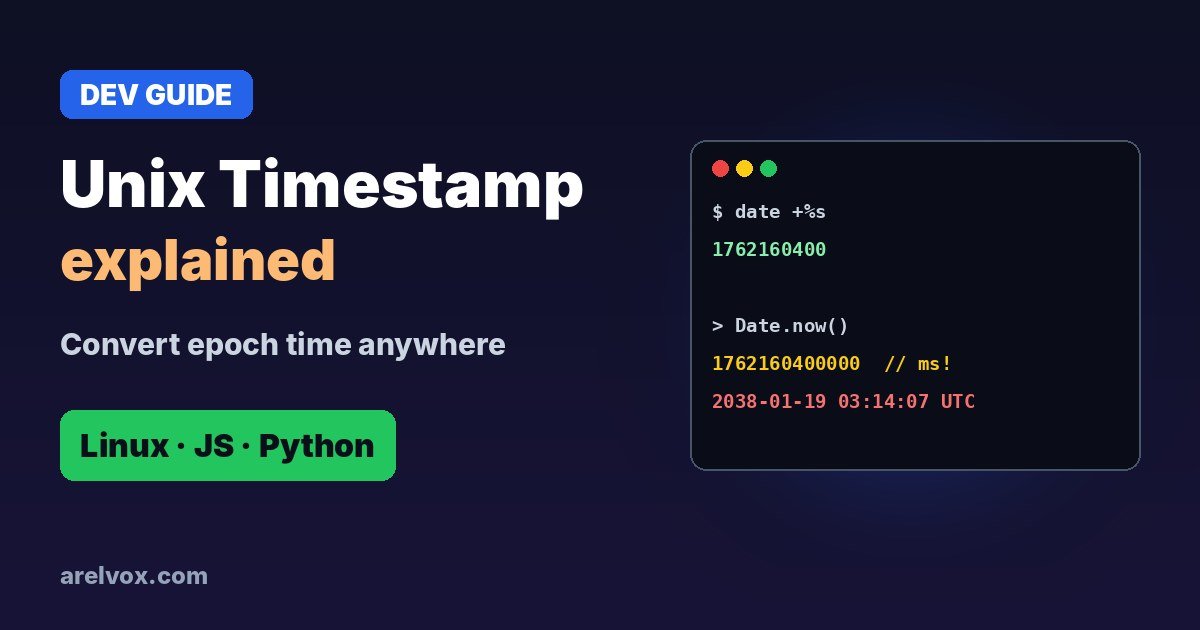
If you have ever seen a number like 1762160400 in a log file, a database or an API response, you have met a Unix timestamp. It is the way most computers store time. Here is what it means, how to convert it and the gotchas that trip up developers.
What Is a Unix Timestamp?
Unix time counts the seconds since a fixed moment called the Unix epoch: January 1, 1970 at 00:00:00 UTC. So 0 is the epoch itself, 86400 is exactly one day later, and today’s timestamps are around 1.76 billion.
Because it is a single number in UTC, it is easy to store, sort and compare, and it does not care about time zones or daylight saving time. Your app converts it to local time only when it shows it to a person.
How to Get the Current Timestamp
# Linux / macOS
date +%s

// JavaScript (seconds)
Math.floor(Date.now() / 1000)

# Python
import time
int(time.time())

-- MySQL
SELECT UNIX_TIMESTAMP();
How to Convert a Timestamp to a Date
# Linux (GNU date)
date -d @1762160400

# macOS
date -r 1762160400

// JavaScript
new Date(1762160400 * 1000).toISOString()

# Python
from datetime import datetime, timezone
datetime.fromtimestamp(1762160400, tz=timezone.utc)
Or paste it into our Unix timestamp converter, which shows UTC and your local time at once.
Seconds vs Milliseconds
The most common bug: JavaScript uses milliseconds. Date.now() returns a 13-digit number like 1762160400000, while most other languages and APIs use 10-digit seconds. If a date shows up in 1970 or in the year 57000, you mixed the two. Multiply seconds by 1000 for JavaScript; divide milliseconds by 1000 for everything else.
| Digits | Unit | Example |
|---|---|---|
| 10 | Seconds | 1762160400 |
| 13 | Milliseconds | 1762160400000 |
| 16 | Microseconds | 1762160400000000 |
Time Zones and Leap Seconds
- Timestamps are always UTC. Store them as-is and convert to local time only for display.
- Unix time ignores leap seconds: every day is exactly 86,400 seconds, which keeps the maths simple.
- Negative timestamps are dates before 1970 and are valid in most modern languages.
The Year 2038 Problem
Old systems store Unix time as a signed 32-bit integer, whose maximum value is 2,147,483,647. That moment is January 19, 2038 at 03:14:07 UTC; one second later the number wraps around to 1901. Modern 64-bit systems are safe, but some embedded devices, old databases and file formats still use 32-bit time, so it is worth checking if you maintain long-lived software.
Working with schedules too? See our cron expression generator and the guide to cron jobs on Linux.
Frequently Asked Questions
What is a Unix timestamp?
A Unix timestamp is the number of seconds that have passed since January 1, 1970 at 00:00:00 UTC, called the Unix epoch. For example, 1700000000 is November 14, 2023 at 22:13:20 UTC.
How do I get the current Unix timestamp?
On Linux or macOS run date +%s. In JavaScript use Math.floor(Date.now() / 1000). In Python use int(time.time()).
Why are some timestamps 13 digits long?
Those are in milliseconds instead of seconds. JavaScript’s Date.now() returns milliseconds. Divide by 1000 to get a normal 10-digit Unix timestamp.
What is the year 2038 problem?
Systems that store Unix time as a signed 32-bit integer overflow on January 19, 2038 at 03:14:07 UTC. Modern systems use 64-bit integers, which will not overflow for billions of years.