
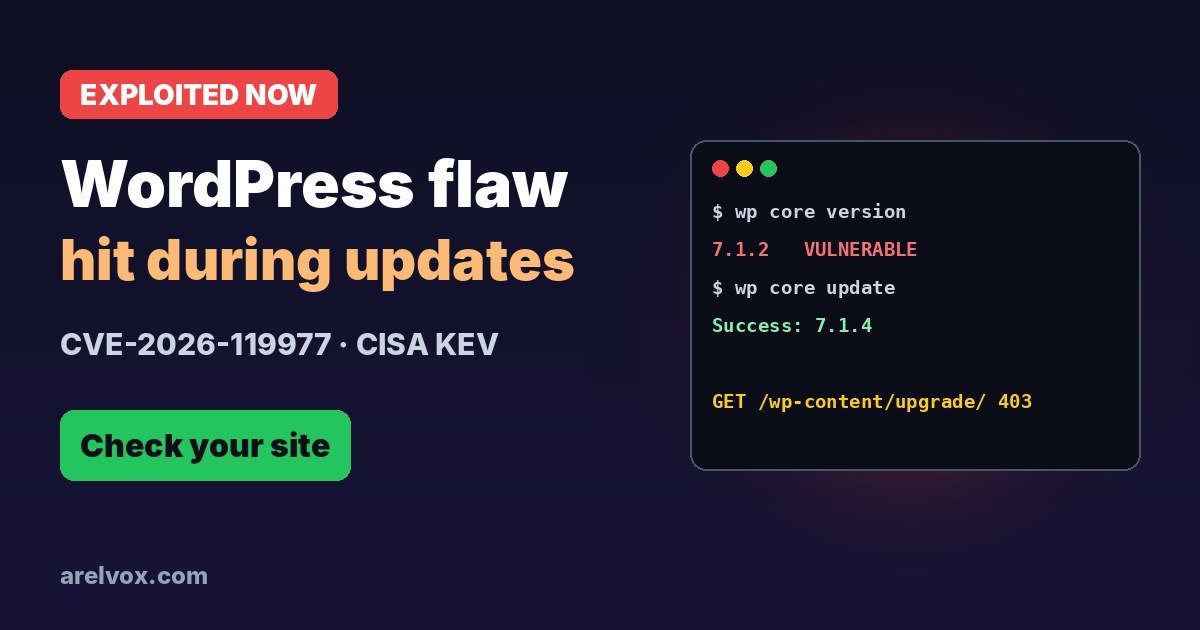
wp-content/upgrade/ during a core update. The fix shipped in late October; what is new is that it is now exploited in the wild and in CISA’s KEV list since November 3. Make sure you run WordPress 7.1.4 or your branch’s fixed version, and block web access to wp-content/upgrade/.Last updated: November 6, 2026
This is an unusual WordPress bug: the dangerous moment is the update itself. For a few seconds while WordPress installs a new version, a copy of its installer sat in a folder anyone could request. Attackers are now polling sites for exactly that window. Here is how it works, which versions are fixed and how to lock it down.
How the Attack Works
During a full-package core update, older WordPress versions extracted the new files into a predictable directory inside wp-content/upgrade/, which is served by the web server. That temporary copy includes the installer, wp-admin/setup-config.php.
If an attacker requests that staged installer before WordPress cleans it up, they can run the setup process on your server, and from there run code. Wordfence lists four conditions: a full-package update, the upgrade folder reachable over the web with PHP enabled, a guessable staging path, and enough time before cleanup. The window is short, but automated polling improves the odds.
The fix randomizes the staging folder name, keeps an index.php guard in place and stops copying wp-config.php out of the working directory.
Is It Being Exploited?
- October 28: WordPress 7.1.4 ships with backports to older branches. Wordfence sees the first matching request nine minutes after deploying its firewall rule.
- First 21 hours: more than 18,500 requests targeting staged
setup-config.phppaths. - November 3: CISA adds CVE-2026-119977 to its Known Exploited Vulnerabilities catalog and gives US federal agencies until November 6 to fix it.
- Now: Wordfence reports blocking more than 12,000 attempts in a single day.
Fixed Versions
| Your branch | Update to |
|---|---|
| 7.1 | 7.1.4 |
| 7.0 | 7.0.8 |
| 6.9 | 6.9.11 |
| 6.8 | 6.8.12 |
| 6.7 | 6.7.11 |
| 6.6 | 6.6.11 |
| 6.5 | 6.5.14 |
| 6.4 | 6.4.14 |
| 6.0 – 6.3 | 6.3.14, 6.2.15, 6.1.16, 6.0.18 |
| 4.7 – 5.9 | Backports available (e.g. 5.9.20, 4.9.35) |
| 4.6 and older | No fix: upgrade to a supported version |
How to Check Your Site
- Dashboard: go to Dashboard → Updates. The current version is shown at the top.
- WP-CLI: run
wp core versionon the server. - Look for signs of an attack, especially around the times core updates ran: requests to
wp-content/upgrade/in your access logs, administrator accounts you did not create, unknown plugins or PHP files you did not upload.
grep "wp-content/upgrade/" /var/log/apache2/access.log | grep -i "setup-config"Adjust the log path for your server or hosting panel.
Lock Down wp-content/upgrade/
Nobody needs to load files from that folder in a browser. Blocking it closes this attack and similar ones in the future. Put the rule in the main site configuration or the .htaccess in your site root, not inside the upgrade folder.
Apache or LiteSpeed (most shared hosting), at the top of the site root .htaccess:
<IfModule mod_rewrite.c>
RewriteEngine On
RewriteRule ^wp-content/upgrade/ - [F,L]
</IfModule>Nginx, inside your server block:
location ^~ /wp-content/upgrade/ {
    deny all;
}
Then open https://yoursite.com/wp-content/upgrade/ in a browser: you should get a 403 Forbidden. Do this before you update an old site, because the update to the fixed version is still unpacked by the old, vulnerable code.
Why It Matters
WordPress runs a huge share of the web and automatic updates are usually our best defence. This bug turned the update moment into the weak spot. The fix is out and most sites already have it, but sites with automatic updates disabled, old branches and abandoned installs are the ones attackers are scanning for now.
Frequently Asked Questions
What is CVE-2026-119977?
It is a race condition in WordPress Core. During a full-package core update, WordPress used to unpack the new files, including the installer, into a predictable folder inside wp-content/upgrade/ that the web server could reach. An attacker who requested the staged installer at the right moment could take over the site, without an account.
Which versions are fixed?
WordPress 7.1.4, released on October 28, 2026, plus backports for every branch from 4.7: for example 7.0.8, 6.9.11, 6.8.12, 6.7.11, 6.6.11, 6.5.14 and 6.4.14. Versions 4.6 and older get no fix.
Is it really being exploited?
Yes. Wordfence recorded more than 18,500 requests to staged setup-config.php paths in the first 21 hours, and CISA added the flaw to its Known Exploited Vulnerabilities catalog on November 3, 2026.
My site updates automatically. Am I safe?
Probably, but check. Most sites with background updates got the security release automatically. Look at Dashboard, Updates or run wp core version to confirm you are on a fixed version.
Why do some sources call it low severity?
WordPress rates it Low because the attacker has to win a short race during an update. Wordfence, which assigned the CVE, scores it 8.1 High. Real attacks are being blocked every day, so treat it as important.