
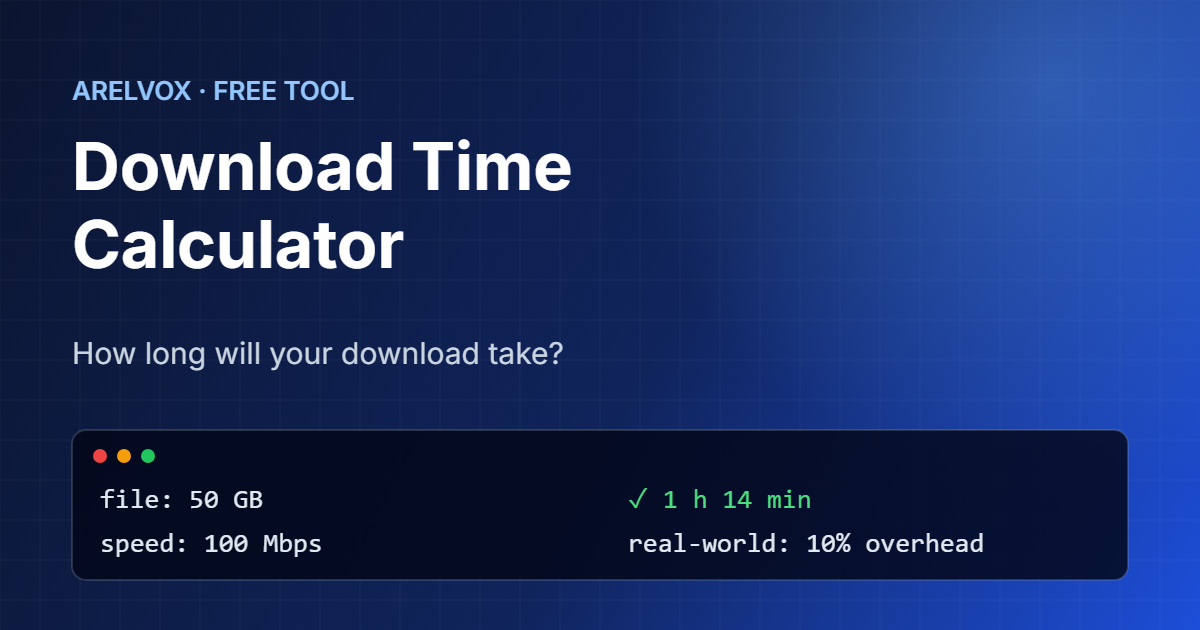
Use this free download time calculator to find out how long a file will take to download at your internet speed. Enter the file size and your connection speed, and it shows a realistic estimate plus a comparison with other common speeds.
Download Time Calculator
Internet plans are sold in Mbps (megabits per second).
Estimated download time
–
| Same file at | Time |
|---|
How to Use the Download Time Calculator
- First, enter the file size and choose MB, GB, TB or GiB. You can also tap a preset such as a 50 GB game.
- Then, enter your connection speed. Internet plans are sold in Mbps, while download managers often show MB/s, so pick the matching unit.
- Next, choose the overhead. Real downloads are always a little slower than the theoretical maximum, especially over Wi-Fi.
- Finally, read the estimated time and compare it with the table of other speeds.
Mbps vs MB/s: Bits and Bytes
This is where most people get confused. Internet speeds are measured in megabits per second (Mbps), but file sizes are measured in megabytes (MB). Because one byte has eight bits, a 100 Mbps connection downloads at most 12.5 MB per second. Therefore, a 1 GB file takes at least 80 seconds on a 100 Mbps line, not 10 seconds.
Our download time calculator converts the units for you, so you can enter the speed exactly as your provider advertises it.
The Download Time Formula
time (seconds) = file size (bits) / speed (bits per second)

Example: 50 GB at 100 Mbps
50 × 8,000,000,000 bits / 100,000,000 bit/s = 4,000 s ≈ 1 h 7 min
In practice, you never get the full speed. Protocol headers, Wi-Fi interference, other devices on the network and the server itself all slow things down. As a result, the download time calculator adds 10% overhead by default, which matches a typical wired connection.
Why Is My Download Slower Than Expected?
- Wi-Fi: walls, distance and neighbors’ networks can halve your speed. A cable is almost always faster.
- The server: a busy server may send data slower than your connection can receive it.
- Other devices: streaming, backups and updates share the same bandwidth.
- Disk speed: on very fast connections, an old hard drive can become the bottleneck. If that is your case, read our comparison of NVMe vs SATA SSDs.
To check your network setup, our home network guide explains routers, IP addresses and DNS in plain language.
MB vs MiB
There are two ways to count file sizes. Storage makers and internet providers use decimal units, where 1 GB is 1,000,000,000 bytes. In contrast, Windows and some tools use binary units, where 1 GiB is 1,073,741,824 bytes, about 7% more. That is why a “500 GB” drive shows as 465 GB in Windows. If your file size comes from Windows, choose GiB in the download time calculator for a more accurate result.
In addition, to know your real speed instead of the advertised one, run a test on Speedtest by Ookla and enter the result here. That way, the download time calculator gives you an estimate based on your actual connection.
Frequently Asked Questions
How long does it take to download 1 GB at 100 Mbps?
In theory, about 80 seconds. With a typical 10% overhead, expect around 90 seconds.
How do I convert Mbps to MB/s?
Divide by 8. For example, 100 Mbps is 12.5 MB/s and 1 Gbps is 125 MB/s.
Why does my download show a different time?
Real speeds change during a download because of Wi-Fi, server load and other devices. As a result, the estimate is a guide, not an exact promise.
What is a good internet speed for gaming downloads?
Modern games are often 50 to 150 GB. At 100 Mbps a 50 GB game takes over an hour, while at 1 Gbps it takes about 7 minutes.
Is this download time calculator free?
Yes. In fact, it is completely free, needs no sign-up and runs in your browser.
More free tools: subnet calculator, Unix timestamp converter and the full list on our Projects page.