
vcgencmd measure_temp and throttling with vcgencmd get_throttled (0x0 = all good). 40 to 60 °C idle is normal; the Pi starts throttling around 80 °C. Fix overheating with a heatsink and fan (the Pi 5 really wants one), better airflow and a proper power supply.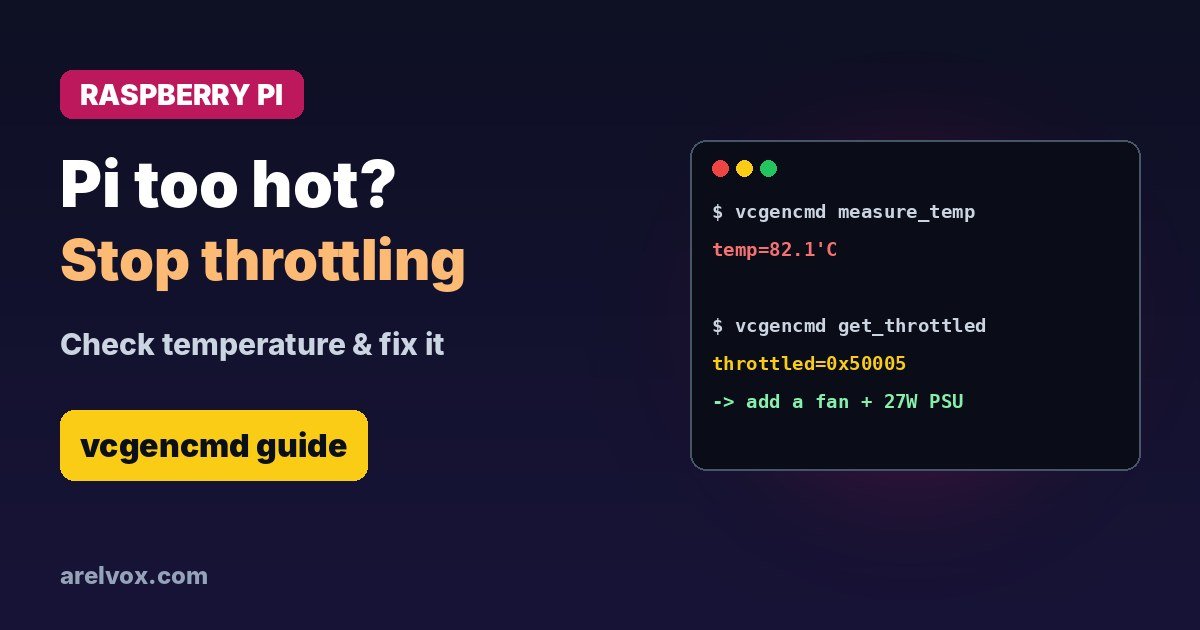
A slow, laggy Raspberry Pi is often a hot Raspberry Pi. When the chip gets too warm it lowers its speed to protect itself, and your Pi-hole, Home Assistant or home server suddenly feels sluggish. Here is how to check the temperature, tell if your Pi is throttling and fix it.
How to Check Raspberry Pi Temperature
vcgencmd measure_tempThis prints something like temp=52.6'C. If vcgencmd is not available (for example on Ubuntu), read the kernel value instead and divide by 1000:
cat /sys/class/thermal/thermal_zone0/tempTo watch it live while you run a heavy task, use:
watch -n 2 vcgencmd measure_temp🛒 What you need
- Official Raspberry Pi 5 Active Cooler
- Aluminium heatsink case for Raspberry Pi 5
- Official 27W USB-C power supply
As an Amazon Associate, Arelvox earns from qualifying purchases. This does not change the price you pay.
What Temperature Is Normal?
| Temperature | What it means |
|---|---|
| Below 60 °C | Normal, nothing to do |
| 60 to 75 °C | Fine under load |
| About 80 °C | The CPU starts to throttle (slow down) |
| 85 °C | Hard throttling to protect the chip |
Is Your Pi Throttling?
vcgencmd get_throttledthrottled=0x0 means everything has been fine since boot. Any other value means something went wrong. The most common bits are:
- 0x1: undervoltage right now (power supply too weak or bad cable)
- 0x4: currently throttled
- 0x8: soft temperature limit active
- 0x10000, 0x40000 and similar: the same problems happened earlier since boot
A value like 0x50000 means undervoltage and throttling have happened since boot. Undervoltage is as common as heat, so do not ignore it.
How to Fix an Overheating Raspberry Pi
- Add active cooling. The Raspberry Pi 5 is designed to be used with the official Active Cooler or a case with a fan. A Pi 4 is usually fine with a good heatsink case.
- Improve airflow. Do not put the Pi in a closed box, behind a TV or in direct sunlight. Mount it vertically if you can.
- Use the right power supply. The Pi 5 needs a 5 V 5 A USB-C supply (27 W) for full performance; the Pi 4 needs 5 V 3 A. Cheap phone chargers cause undervoltage.
- Reduce load. Check what is using the CPU with
htop. Runaway Docker containers are a classic culprit. - Do not overclock without serious cooling.
Keep an Eye on It Automatically
You can log the temperature every five minutes with a cron job. Add this line with crontab -e (our cron expression generator helps with the schedule syntax):
*/5 * * * * echo "$(date) $(vcgencmd measure_temp)" >> /home/pi/temp.logRunning a home server? Pair this with our guides to turning a Raspberry Pi into a home server and setting a static IP. Thinking of buying a new one? Read about the latest Raspberry Pi price increases first.
Frequently Asked Questions
What is a normal Raspberry Pi temperature?
At idle a Raspberry Pi 4 or 5 usually runs around 40 to 60 °C. Under load 60 to 80 °C is normal. From about 80 °C the CPU starts to throttle, and at 85 °C it throttles hard to protect itself.
How do I check the temperature of my Raspberry Pi?
Run vcgencmd measure_temp in a terminal. You can also read /sys/class/thermal/thermal_zone0/temp, which shows the temperature in thousandths of a degree.
How do I know if my Pi is throttling?
Run vcgencmd get_throttled. 0x0 means everything is fine. Any other value means undervoltage, throttling or a temperature limit has happened since boot.
Does a Raspberry Pi 5 need a fan?
For light use it can work without one, but under sustained load the Pi 5 throttles without cooling. The official Active Cooler or a case with a fan is strongly recommended.