
RTC_DATA_ATTR. For real battery life, use a low-power board: most dev boards waste milliamps on USB chips and LEDs.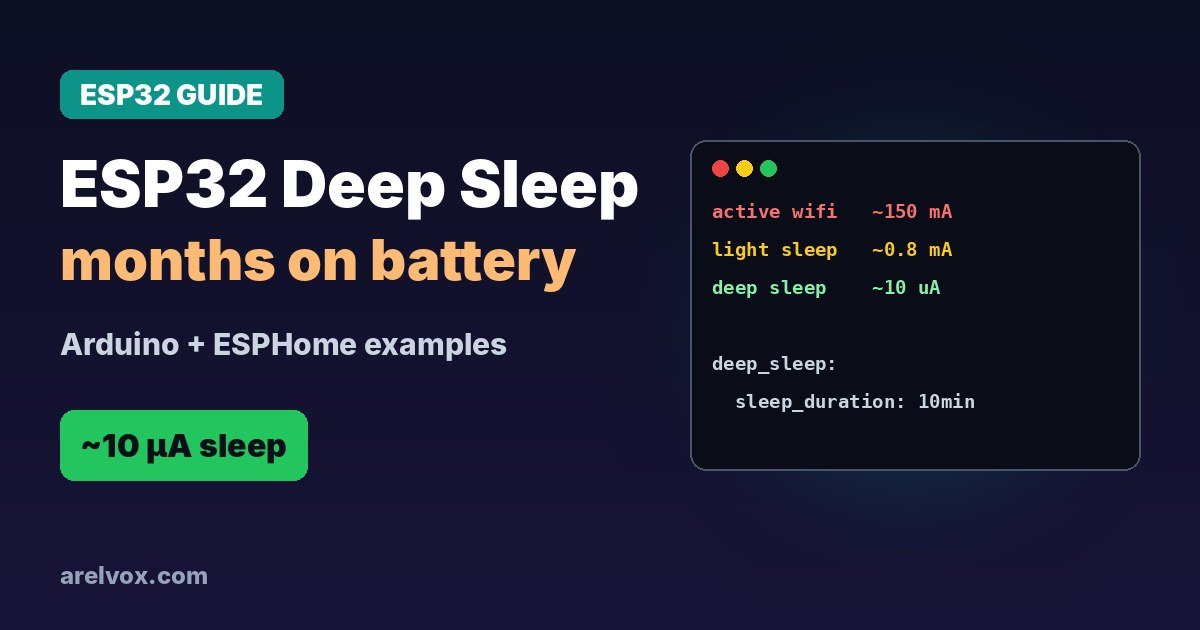
An ESP32 running Wi-Fi uses well over 100 mA, which drains a battery in hours. Deep sleep is how battery-powered sensors last for weeks or months: the ESP32 wakes up, reads a sensor, sends the value and goes back to sleep. Here is how to do it in Arduino and ESPHome, and why your board matters more than your code.
ESP32 Sleep Modes
| Mode | What stays on | Typical chip current |
|---|---|---|
| Active (Wi-Fi on) | Everything | ~100 to 240 mA |
| Modem sleep | CPU, Wi-Fi off between beacons | ~20 to 30 mA |
| Light sleep | RAM kept, CPU paused | ~0.8 mA |
| Deep sleep | RTC and RTC memory only | ~10 µA |
Exact numbers vary by chip (ESP32, S3, C3, C6) and datasheet conditions, but the order of magnitude is what matters: deep sleep is roughly 10,000 times less than active Wi-Fi.
🛒 What you need
As an Amazon Associate, Arelvox earns from qualifying purchases. This does not change the price you pay.
Deep Sleep in Arduino Code
#define SLEEP_MINUTES 10
RTC_DATA_ATTR int bootCount = 0;  // survives deep sleep

void setup() {
  Serial.begin(115200);
  bootCount++;
  Serial.printf("Boot number %d\n", bootCount);

  // read your sensor and send the data here

  esp_sleep_enable_timer_wakeup((uint64_t)SLEEP_MINUTES * 60 * 1000000ULL);
  esp_deep_sleep_start();
}

void loop() {
  // never reached
}
When the ESP32 wakes it starts again from setup(), just like a reset. Only variables marked RTC_DATA_ATTR keep their value.
Wake Up With a Button
To wake when a button or sensor pulls a pin, use an RTC-capable GPIO (on the classic ESP32, pins such as GPIO 0, 2, 4, 12 to 15, 25 to 27 and 32 to 39). Check our guide to which ESP32 pins are safe to use before choosing one.
esp_sleep_enable_ext0_wakeup(GPIO_NUM_33, 1);  // wake when GPIO 33 goes HIGH
esp_deep_sleep_start();
Deep Sleep in ESPHome
deep_sleep:
  run_duration: 20s
  sleep_duration: 10min
ESPHome stays awake for 20 seconds, which is enough to connect to Wi-Fi and send sensor values to Home Assistant, then sleeps for 10 minutes. New to ESPHome? Start with how to install ESPHome on Windows.
Why Your Board Matters Most
This is the part most tutorials skip. The ESP32 chip sleeps at about 10 µA, but a typical development board also has a USB-to-serial chip, a linear voltage regulator with its own quiescent current and a power LED that stays on. Together they often draw 1 to 10 mA while the chip sleeps, which is hundreds of times more.
- Pick a board designed for low power (look for a low quiescent-current regulator and a way to cut the power LED).
- Power sensors from a GPIO so you can turn them off before sleeping.
- Measure the real current with a multimeter in series with the battery; do not trust the datasheet alone.
See our best ESP32 boards for options, and Ohm’s law explained if you want to estimate battery life yourself: hours ≈ battery mAh ÷ average mA.
Frequently Asked Questions
How much power does an ESP32 use in deep sleep?
The ESP32 chip itself uses around 10 µA in deep sleep. On a development board the real figure is often 1 to 10 mA because of the USB chip, voltage regulator and power LED, so choose a low-power board for battery projects.
How do I put an ESP32 into deep sleep?
In Arduino code call esp_sleep_enable_timer_wakeup() with the sleep time in microseconds, then esp_deep_sleep_start(). In ESPHome add a deep_sleep component with run_duration and sleep_duration.
Does the ESP32 keep variables in deep sleep?
No, RAM is lost and the code starts again from setup(). To keep a value, declare it with RTC_DATA_ATTR so it is stored in the RTC memory, which survives deep sleep.
How long can an ESP32 run on batteries?
It depends on how often it wakes and what board you use. A sensor that wakes for a couple of seconds every 10 minutes on a low-power board can run for months on an 18650 cell; the same code on a standard dev board may only last days.